





75% SPEC SCORE
$98
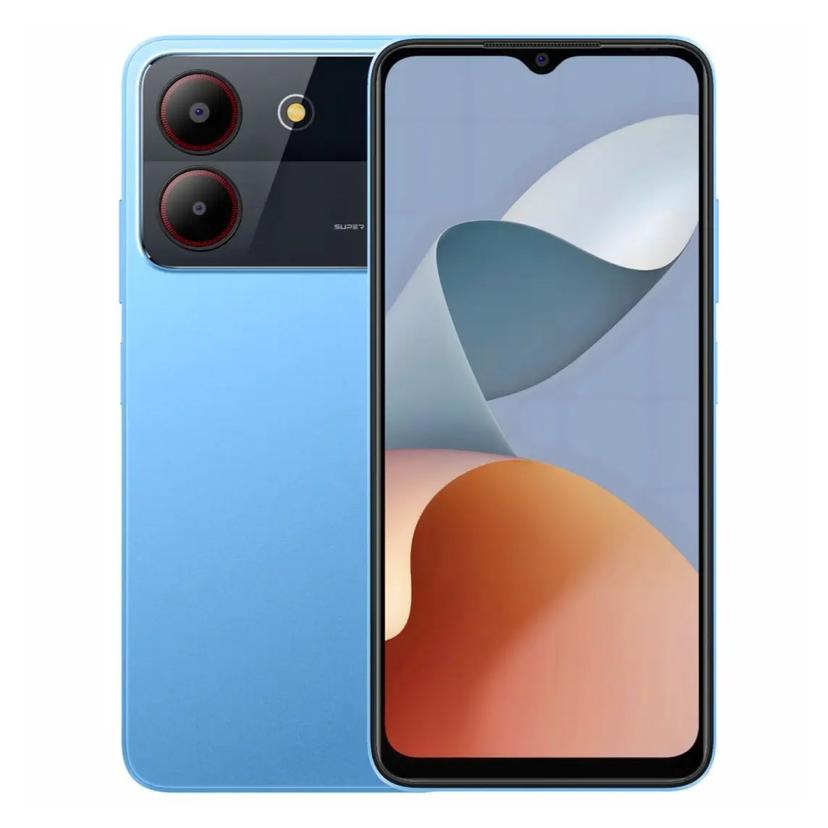
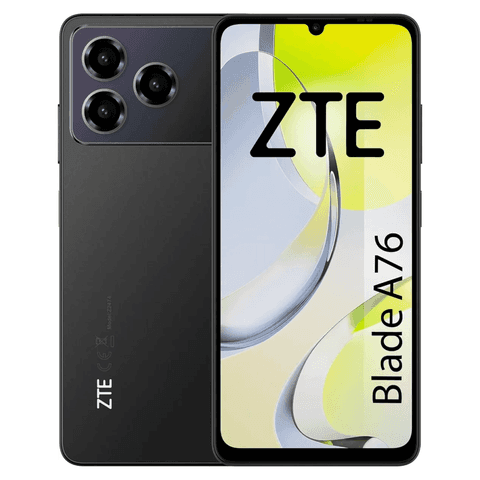
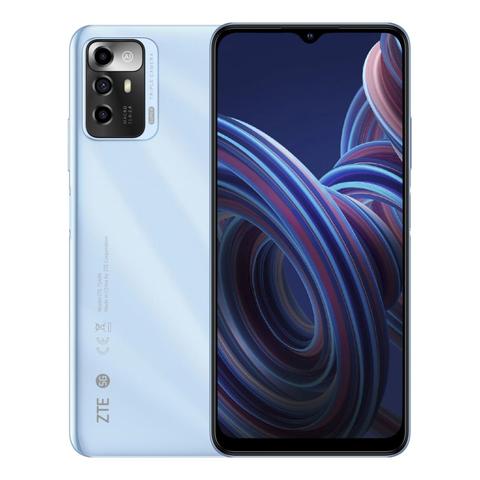
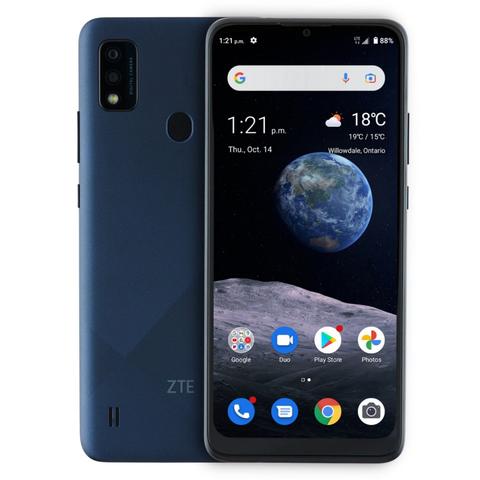
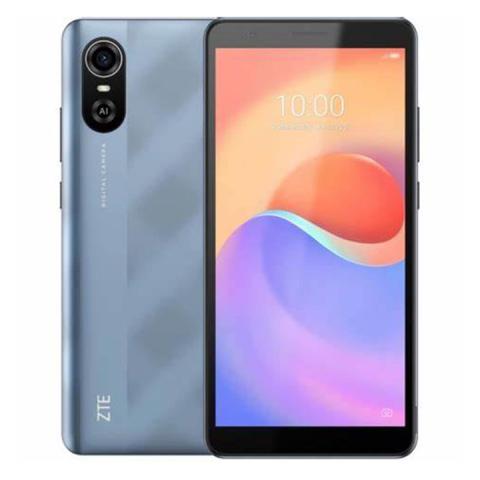
The ZTE Blade A54 Android ensuring enhanced functionality and smooth multitasking. It features a large 6.6-inches HD+ display, perfect for both work and entertainment. thanks to its 90Hz refresh rate With a Average 5000 mAh battery life, you can stay powered throughout the day without frequent charging. Price starting at $97 this device is Entry-level and it’s offers incredible value, blending performance, style, and affordability.
ZTE Blade A54 Key Features

Display
6.6 inches (720x1612 pixels) HD
90Hz Refresh rate

Camera
13+0.08 MP (Single Camera)
2 MP Selfie 1080P Video

Hardware
Unisoc SC9863A (28 nm)

OS
Android

Ram & Storage
4GB + 64GB
4GB + 128GB

Battery
Li-Po 5000mAh
Data Updated on: 01 Oct, 2026
ZTE Blade A54 Pros & Cons
By Amit Dubey | on 01 October, 2026
4.7
/ 10
TSI Score
Design
Display
Performance
Battery
Camera
Software
Sound
Usage
Pros
90Hz display at a very low launch price.
Large 6.6-inch screen.
5000mAh battery.
4GB RAM is workable for basic use.
Cons
720p resolution on a 6.6-inch panel.
Unisoc SC9863A is an aging 28nm chipset.
Only 64GB storage listed.
No camera, charging, IP rating, or software-support details provided.
ZTE Blade A54 Price and Full Specifications

Launch Date
| Status | Available |

Network
| Technology | GSM / HSPA / LTE |
| 2G bands | GSM 850 / 900 / 1800 / 1900 |
| 3G bands | HSDPA 850 / 900 / 1900 / 2100 |
| 4G bands | LTE |
| Speed | HSPA / LTE |
Display
| Screen Size | 6.6 inches, 104.6 cm² (~84.2% screen-to-body ratio) |
| Display Type | IPS LCD |
| Resolution | 720 × 1612 pixels (HD) |
| Aspect Ratio | 20:9 |
| PPI | 267 ppi |
| Refresh Rate | 90Hz |
Performance
| Processor (SoC) | Unisoc SC9863A (28 nm) |
| Fabrication process | 28nm |
| CPU | Octa-core (4x1.6 GHz Cortex-A55 & 4x1.2 GHz Cortex-A55) |
| CPU cores | 8 |
| GPU | IMG8322 |
Benchmarking
System Performance
ZTE Blade A54
Overall Score
...
AnTuTu
Geekbench 6 Single-Core
Storage
| Memory | 4GB + 64GB, 4GB + 128GB |
| Memory Card Slot | microSDXC (dedicated slot) |
Camera
REAR CAMERA | |
| Type | Single camera |
| Primary | 13 MP, (wide), AF |
| Secondary | 0.08 MP, (auxiliary lens) |
| Features | LED flash, HDR |
| Video Recording | 1080p @30fps |
FRONT CAMERA | |
| Type | Single camera |
| Primary | 2 MP, (interpolated to 5 MP) |
| Video Recording | Yes |
Battery
| Battery Capacity | Li-Po 5000mAh |
| Battery Removable | No |
| Charging |
Software & OS
| Operating System | Android |

Design
| Dimensions | 164 x 75.8 x 8.5 mm (2.98 x 0.33 in) |
| Weight | 185g (6.53 oz) |
| Color Options | Gray, Blue, Lilac |
| Sim Card Types | Dual SIM (Nano-SIM, dual stand-by) |

Connectivity
| WLAN | Wi-Fi 802.11 a/b/g/n/ac |
| Bluetooth | 5.2, A2DP, LE |
| Positioning | GPS |
| NFC | Yes (market/region dependent) |
| Radio | No |
| Infrared-port | No |
| USB Version | USB Type-C 2.0 |

Sound
| Loudspeaker | Yes |
| Sound Jack | 3.5 |

Sensors & Features
| Sensors | Fingerprint (side-mounted), accelerometer |

Additional Info
| Pricing | $97.67 / R$ 509.89 / ₹8,109 / £76.65 / €90 / C$139.07 |

What's in the Box
| ZTE Blade A54 | Handset, USB-C cable, SIM ejector tool, and quick start guide |
Disclaimer: Information here may not be 100% accurate; please verify specs and prices on the retailer's website before buying. This page contains affiliate links. We may earn a commission if you make a purchase through them, at no extra cost to you. Thanks for your support!





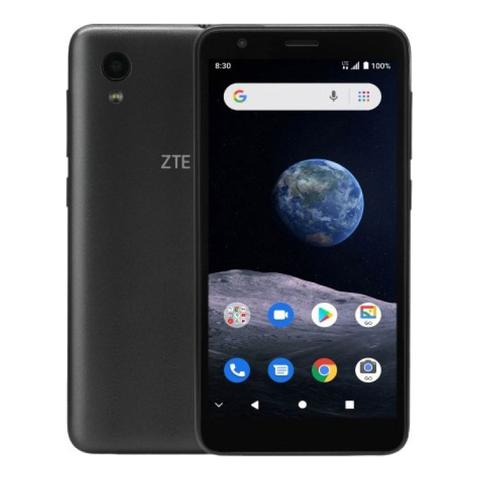


ZTE Blade A54 Comparisons

ZTE Blade A54
$98
75% SPEC SCORE
6.6 inches (16.76 cm)
90Hz Display
13+0.08 MP (Single)
2 MP (Single)
Unisoc
SC9863A (28 nm)
Android
N/A
5000 mAh
N/A
4 GB RAM
64 GB Storage
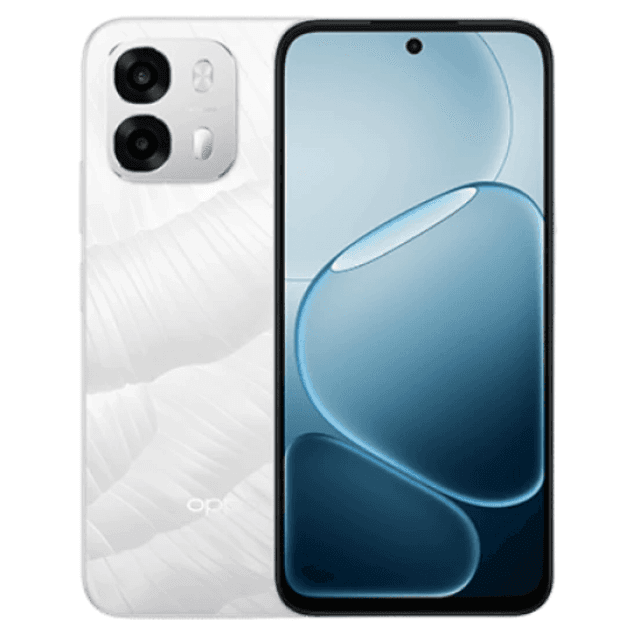
Oppo A6s 4G
$132
88% SPEC SCORE
6.75 inches (17.14 cm)
120Hz Display
50 MP (Dual)
16 MP (Single)
Qualcomm
SM6225 Snapdragon 685
Android 15
ColorOS 15
7000 mAh
80W wired
8 GB RAM
128 GB Storage

Samsung Galaxy A06s
$119
90% SPEC SCORE
6.74 inches (17.12 cm)
90Hz Display
50+13+2 MP (Triple)
16 MP (Single)
Qualcomm
Snapdragon 4 Gen 2
Android 13
One UI Core
5000 mAh
25W Fast Charging
6 GB RAM
128 GB Storage

Motorola Moto G43 5G
$118
91% SPEC SCORE
6.56 inches (16.66 cm)
90Hz Display
64+12+5+2 MP (Quad)
32 MP (Single)
MediaTek
Dimensity 6300
Android 14
My UX
5000 mAh
10W Fast Charging
4 GB RAM
128 GB Storage
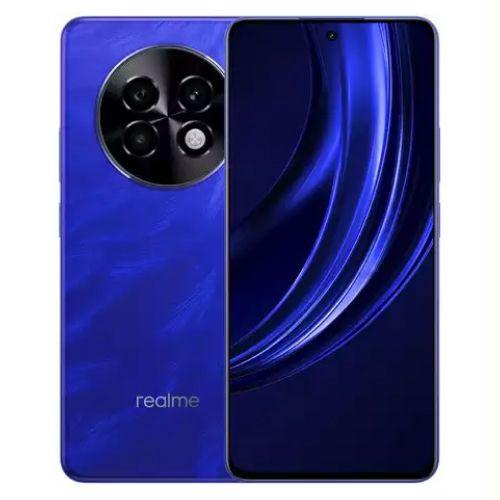
Redmi A4 5G
$119
94% SPEC SCORE
6.7 inches (17.02 cm)
90Hz Display
50 MP (Single)
8 MP (Single)
Qualcomm
SM4635 Snapdragon 4s Gen 2 (4 nm)
Android 14
HyperOS
5000 mAh
18W wired
8 GB RAM
128 GB Storage

itel Color Pro 5G
$125
84% SPEC SCORE
6.6 inches (16.76 cm)
90Hz Display
50+2 MP (Dual)
8 MP (Single)
MediaTek
Dimensity 6080
Android 14
N/A
5000 mAh
18W Fast Charging
6 GB RAM
128 GB Storage
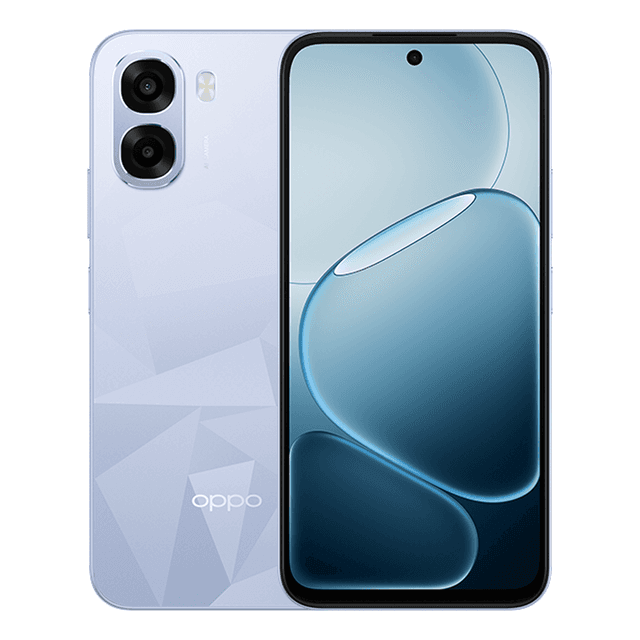
Oppo A6t 5G
$121
86% SPEC SCORE
6.75 inches (17.14 cm)
120Hz Display
50 MP (Dual)
5 MP (Single)
MediaTek
Dimensity 6300
Android 15
ColorOS 15
6500 mAh
45W Wired
4 GB RAM
128 GB Storage

Samsung Galaxy F14 4G
$109
89% SPEC SCORE
6.7 inches (17.02 cm)
90Hz Display
50+2+2 MP (Triple)
13 MP (Single)
Qualcomm
SM6225 Snapdragon 680 4G (6 nm)
Android 14
One UI 6.1
5000 mAh
25W wired
4 GB RAM
64 GB Storage

Motorola Moto G05
$106
85% SPEC SCORE
6.67 inches (16.94 cm)
90Hz Display
50+2 MP (Dual)
8 MP (Single)
MediaTek
Helio G91
Android 14
My UX
5000 mAh
18W Fast Charging
4 GB RAM
128 GB Storage

itel P55T
$96
82% SPEC SCORE
6.6 inches (16.76 cm)
90Hz Display
50+0.08 MP (Single)
8 MP (Single)
Unisoc
T606 (12 nm)
Android 14
N/A
5000 mAh
18W wired
4 GB RAM
128 GB Storage
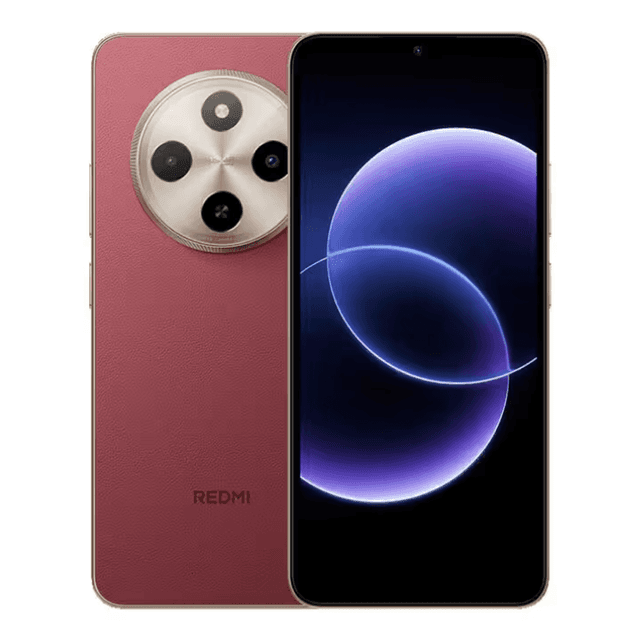
Redmi 17C
$117
84% SPEC SCORE
6.88 inches (17.48 cm)
120Hz Display
13 MP (Single)
5 MP (Single)
MediaTek
Helio G81 Ultra
Android 16
HyperOS 3
5160 mAh
18W Wired
4 GB RAM
64 GB Storage

Tecno Pop 9 5G
$114
86% SPEC SCORE
6.67 inches (16.94 cm)
120Hz Display
48 MP (Dual)
8 MP (Single)
MediaTek
Dimensity 6300 (6 nm)
Android 14
HiOS 14
5000 mAh
18W Fast Charging
4 GB RAM
64 GB Storage
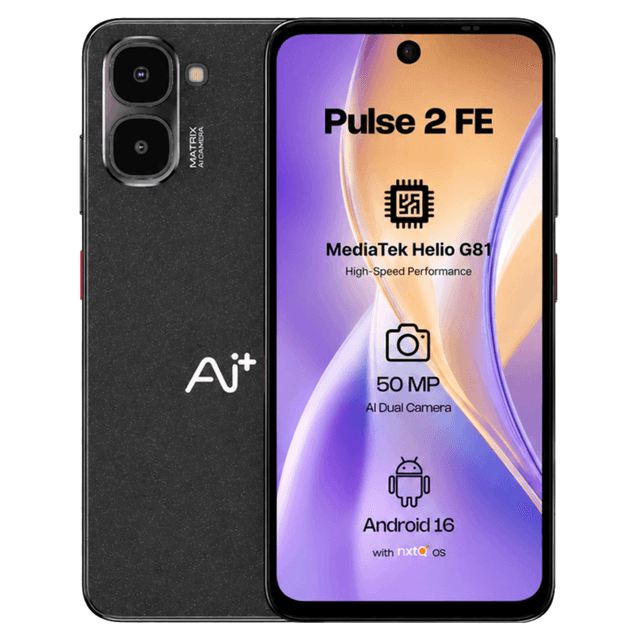
Ai+ Pulse 2 FE
$119
69% SPEC SCORE
6.67 inches (16.94 cm)
120Hz Display
50+2 MP (Dual)
8 MP (Single)
MediaTek
Helio G81
Android
N/A
5000 mAh
18W Wired
4 GB RAM
64 GB Storage
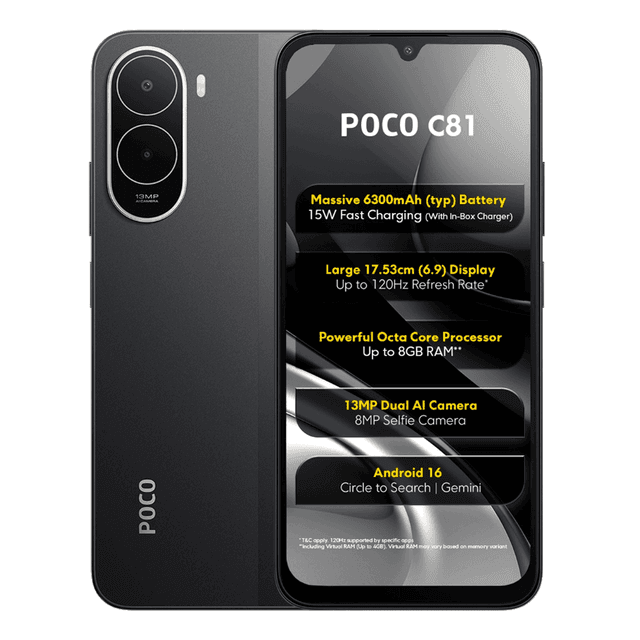
Poco C81
$117
85% SPEC SCORE
6.9 inches (17.53 cm)
120Hz Display
13 MP (Single)
8 MP (Single)
Unisoc
T7250
Android 16
HyperOS 3
6300 mAh
15W Wired
4 GB RAM
64 GB Storage
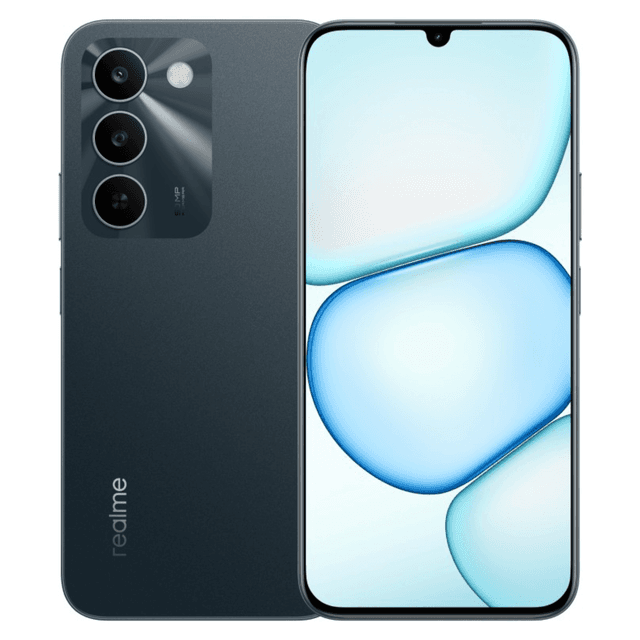
Realme C100i
$110
79% SPEC SCORE
6.8 inches (17.27 cm)
120Hz Display
8 MP (Single)
5 MP (Single)
Unisoc
T7250
Android 16
N/A
7000 mAh
15W Wired
4 GB RAM
64 GB Storage
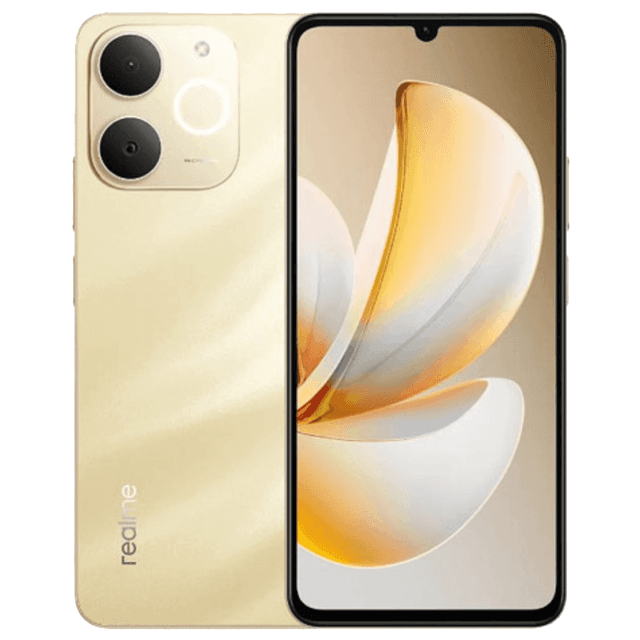
Realme P4 Lite 4G
$95
85% SPEC SCORE
6.74 inches (17.12 cm)
90Hz Display
13 MP (Single)
5 MP (Single)
Unisoc
T7250
Android 15
Realme UI 5.0
6300 mAh
15W Wired
4 GB RAM
64 GB Storage

vivo Y18i
$96
82% SPEC SCORE
6.56 inches (16.66 cm)
90Hz Display
13+0.08 MP (Dual)
5 MP (Single)
MediaTek
Helio T612 (12nm)
Android 14
N/A
5000 mAh
15W wired
4 GB RAM
64 GB Storage

Umidigi G5A
$94
74% SPEC SCORE
6.52 inches (16.56 cm)
90Hz Display
13+2 MP (Dual)
5 MP (Single)
MediaTek
Helio A22 (12 nm)
Android
N/A
5000 mAh
10W wired
4 GB RAM
64 GB Storage
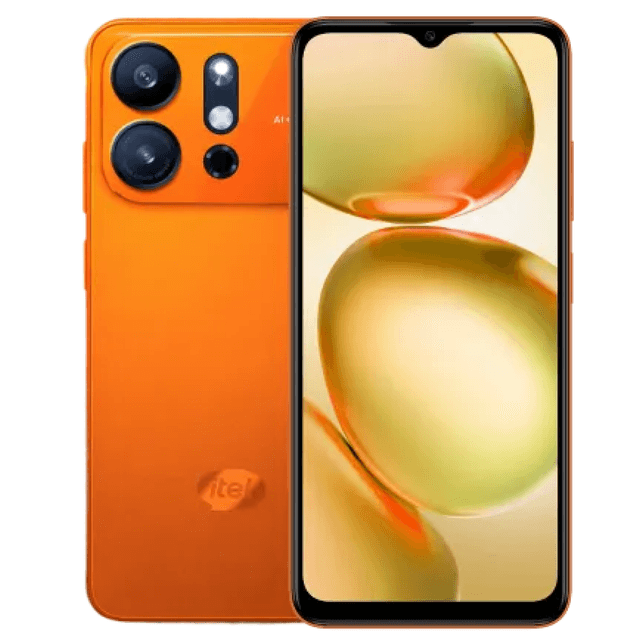
itel A100 Pro
$93
83% SPEC SCORE
6.56 inches (16.66 cm)
90Hz Display
8 MP (Single)
5 MP (Single)
Unisoc
T7100
Android 15
itel OS 15
5000 mAh
10W wired
3 GB RAM
64 GB Storage

Gionee P50 Pro
$95
82% SPEC SCORE
6.5 inches (16.51 cm)
N/A
13 MP (Single)
5 MP (Single)
Unisoc
Tiger T310
HarmonyOS 2
N/A
3900 mAh
N/A
4 GB RAM
64 GB Storage

Realme C15s
$119
84% SPEC SCORE
6.52 inches (16.56 cm)
60Hz Display
13+8+2+2 MP (Quad)
8 MP (Single)
Qualcomm
Snapdragon 662
Android 10
N/A
6000 mAh
18W Fast Charging
3 GB RAM
32 GB Storage

Realme Narzo 70i
$108
80% SPEC SCORE
6.52 inches (16.56 cm)
60Hz Display
13 MP (Single)
5 MP (Single)
MediaTek
Dimensity 700
Android 12
N/A
5000 mAh
N/A
3 GB RAM
32 GB Storage
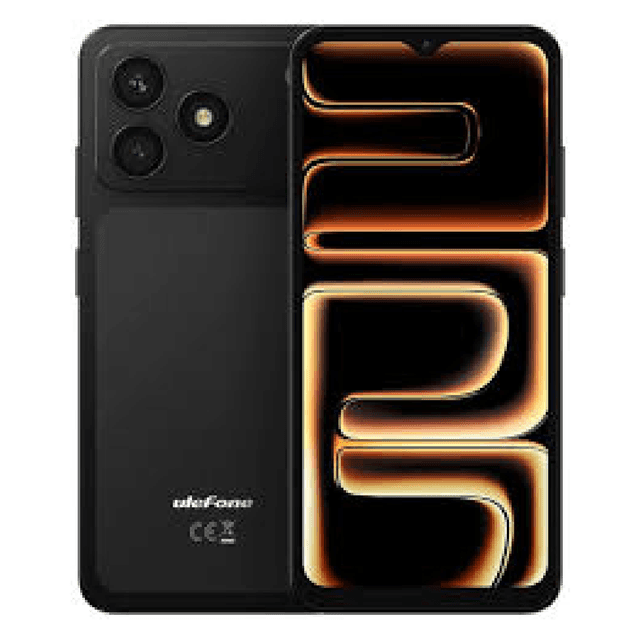
Ulefone Note 23
$85
71% SPEC SCORE
6.56 inches (16.66 cm)
90Hz Display
8 MP (Single)
5 MP (Single)
Unisoc
T7100
Android 16
N/A
5000 mAh
10W Wired
3 GB RAM
32 GB Storage

Gionee F9 Plus
$114
84% SPEC SCORE
6.26 inches (15.90 cm)
N/A
13+2 MP (Dual)
13 MP (Single)
N/A
N/A
Android 9
N/A
4050 mAh
N/A
3 GB RAM
32 GB Storage

Gionee F11
$84
85% SPEC SCORE
6.1 inches (15.49 cm)
N/A
13 MP (Single)
5 MP (Single)
N/A
N/A
Android 10
N/A
5000 mAh
N/A
3 GB RAM
32 GB Storage

Samsung Galaxy S24 Mini
$92
74% SPEC SCORE
3 inches (7.62 cm)
N/A
5 MP (Single)
2 MP (Single)
N/A
N/A
Android
N/A
4000 mAh
N/A
2 GB RAM
16 GB Storage
Reviews (0)
No reviews yet. Be the first to review!

Frequently Asked Questions
How old is the ZTE Blade?
The exact age of the ZTE Blade A54 cannot be confirmed from the provided device specifications because no launch date is listed. The listed hardware places it in the budget Android category, with a 6.6-inch 90Hz display, Unisoc SC9863A chipset, 4GB RAM, 64GB storage, and a 5000mAh battery. Buyers comparing its age should check the retailer listing or ZTE product page for the release date in their region.
How much is the ZTE Blade A54?
The ZTE Blade A54 is listed at about EUR 90, GBP 76.65, INR 8,109, or USD 97.67 based on the provided pricing. That places it firmly in the entry-level smartphone price range. For the money, the ZTE Blade A54 includes a 6.6-inch 90Hz display, 64GB storage, 4GB RAM with support for up to 8GB dynamic RAM, and a 5000mAh battery.
How to put ZTE in recovery mode?
The ZTE Blade A54 can typically be put into Android recovery mode by turning the phone off, then holding Power and Volume Up together until the ZTE logo or recovery screen appears. In recovery mode, use the volume keys to move through options and the power button to select. This menu is used for actions such as rebooting the system or wiping data, so avoid factory reset options unless you have backed up important files.
Our Latest Blog
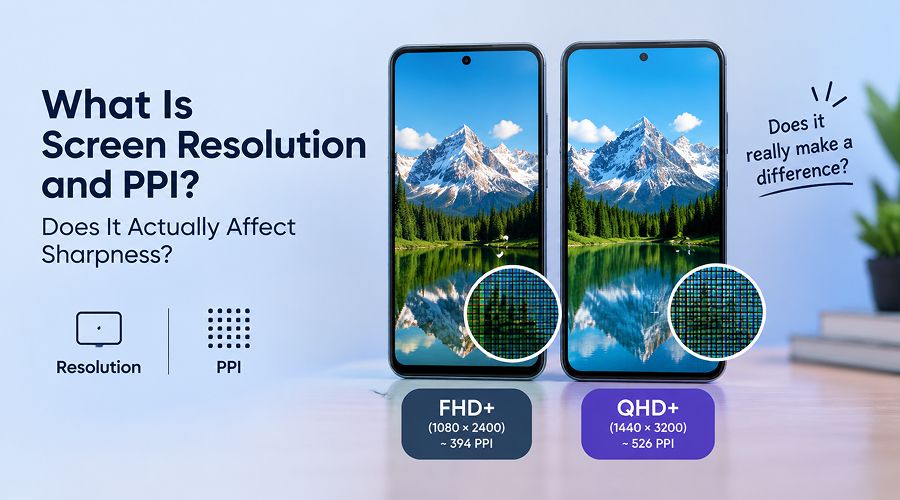
Modern smartphones come with several different features, such as phone displays often described as FHD+, QHD+, 4K and PPI. These terms tell you how sharp and clear the display looks but not everybody...

Amit Dubey
02 Oct, 2026

Travelling to another country becomes easier when you have the right phone with you. You require a properly connected device for checking maps, making bookings, translation, payments, hotel details, e...
Amit Dubey
01 Oct, 2026

Buying a smartphone can be confusing, especially when you have to choose from so many options available with each offering different features. Some phones focus on cameras, while others are made for g...
Amit Dubey
30 Sep, 2026
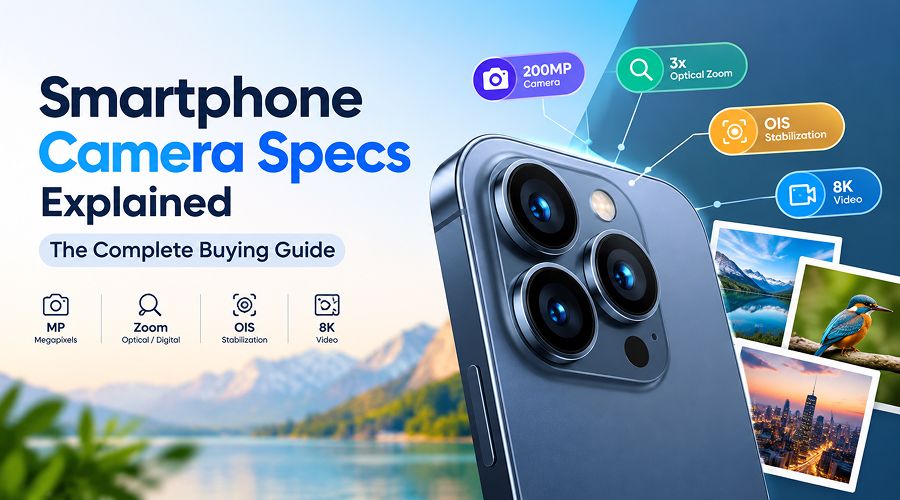
Smartphone cameras have become a major factor when choosing a phone. But most people often have no idea what camera features they should look for. Moreover, specs like 200MP cameras, 3x optical zoom,...

Danica Gill
29 Sep, 2026
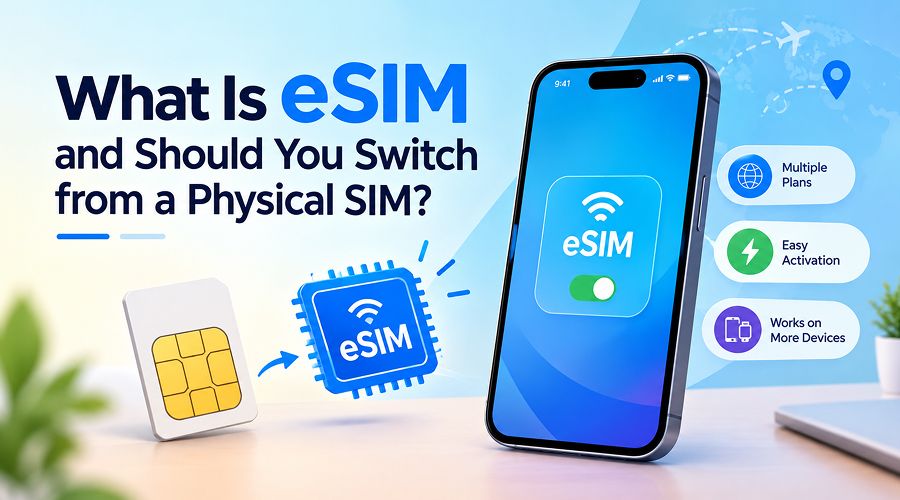
For decades, we have been using a small plastic SIM card into a mobile slot. Physical SIMs store the information needed to connect your phone to the mobile network and can be moved to another phone wh...
Amit Dubey
28 Sep, 2026