





74% SPEC SCORE
$217
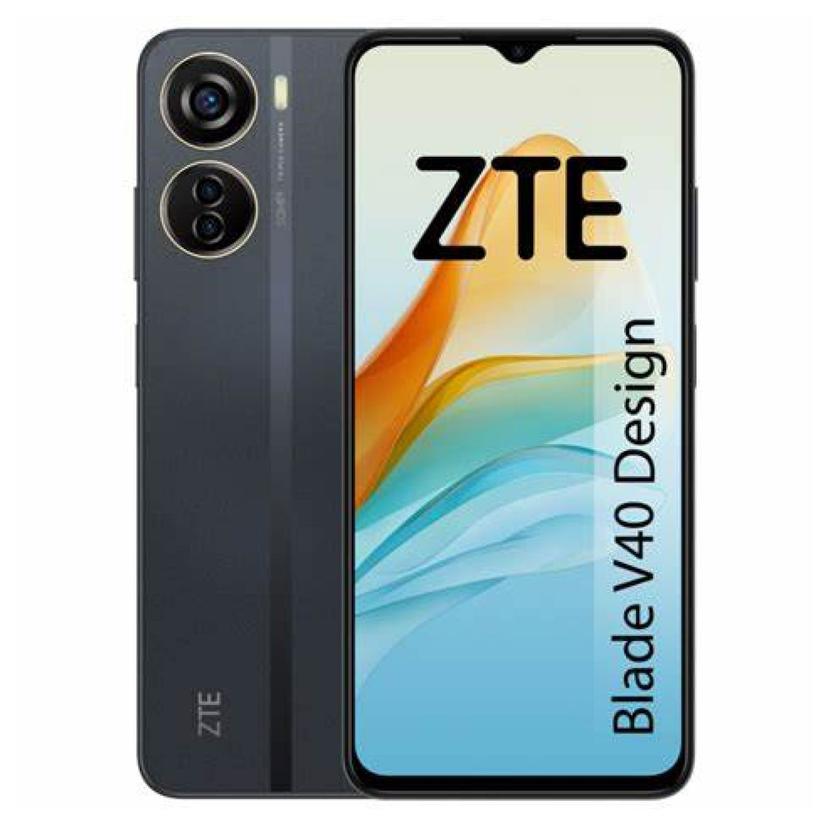
The ZTE Blade V40 Design comes with Android 12, ensuring enhanced functionality and smooth multitasking. It features a big 6.6-inches Crystal-clear Full HD+ display, perfect for both work and entertainment. thanks to its 60Hz refresh rate With a Average 4500 mAh battery life, you can stay powered throughout the day without frequent charging. Price starting at $217 this device is Entry-level and it’s offers incredible value, blending performance, style, and affordability.
ZTE Blade V40 Design Key Features

Display
6.6 inches (1080x2408 pixels) FHD
60Hz Refresh rate

Camera
50+2+2 MP (Triple Camera)
8 MP Selfie 1080P Video

Hardware
Unisoc Tiger T616 (12 nm)

OS
Android 12
MyOS 12

Ram & Storage
4GB + 128GB
6GB + 128GB

Battery
Li-Po 4500mAh
wired, 22.5W
Data Updated on: 01 Oct, 2026
ZTE Blade V40 Design Pros & Cons
By Amit Dubey | on 01 October, 2026
5.6
/ 10
TSI Score
Design
Display
Performance
Battery
Camera
Software
Sound
Usage
Pros
Sharp 1080p panel at this price point.
128GB base storage leaves more room than many budget rivals.
Large 6.6-inch screen suits reading and video.
Cons
60Hz refresh rate only.
Unisoc Tiger T616 is modest hardware for heavier apps and games.
4GB RAM limits multitasking headroom.
4500mAh battery is unremarkable by budget-phone standards.
No camera, charging, IP rating, or software-support details in the provided specs.
ZTE Blade V40 Design Price and Full Specifications

Launch Date
| Announced Date | 21 Dec, 2022 |
| Released Date | 10 Jan, 2023 |
| Status | Available |

Network
| Technology | GSM / HSPA / LTE |
| 2G bands | GSM 850 / 900 / 1800 / 1900 |
| 3G bands | HSDPA 850 / 900 / 1900 / 2100 |
| 4G bands | LTE |
| Speed | HSPA / LTE |
Display
| Screen Size | 6.6 inches, 104.9 cm² (~87% screen-to-body ratio) |
| Display Type | IPS LCD |
| Resolution | 1080 × 2408 pixels (FHD) |
| Aspect Ratio | 20:9 |
| PPI | 400 ppi |
| Refresh Rate | 60Hz |
Performance
| Processor (SoC) | Unisoc Tiger T616 (12 nm) |
| Fabrication process | 12nm |
| CPU | Octa-core (2x2.0 GHz Cortex-A75 & 6x1.8 GHz Cortex-A55) |
| CPU cores | 8 |
| GPU | Mali G57 MP1 |
Benchmarking
System Performance
ZTE Blade V40 Design
Overall Score
...
AnTuTu
Geekbench 6 Single-Core
Storage
| Memory | 4GB + 128GB, 6GB + 128GB |
| Storage type | UFS 2.2 |
| Memory Card Slot | microSDXC |
Camera
REAR CAMERA | |
| Type | Triple camera |
| Primary | 50 MP, f/1.8, (wide), PDAF |
| Secondary | 2 MP, f/2.4, (macro) |
| Tertiary | 2 MP, f/2.4, (depth) |
| Features | LED flash, HDR, panorama |
| Video Recording | 1080p @30fps |
FRONT CAMERA | |
| Type | Single camera |
| Primary | 8 MP, (wide) |
| Video Recording | 1080p @30fps |
Battery
| Battery Capacity | Li-Po 4500mAh |
| Battery Removable | No |
| Charging | 22.5W wired |
Software & OS
| Operating System | Android 12 |
| OS UI | MyOS 12 |

Design
| Dimensions | 163 x 74 x 8 mm (2.91 x 0.31 in) |
| Weight | 183.4g (6.47 oz) |
| Color Options | Sky Blue, Starry Black |
| Sim Card Types | Dual SIM (Nano-SIM, dual stand-by) |

Connectivity
| WLAN | Yes |
| Bluetooth | Yes |
| Positioning | GPS |
| NFC | Yes |
| Radio | No |
| Infrared-port | No |
| USB Version | USB Type-C 2.0 |

Sound
| Loudspeaker | Yes |
| Sound Jack | 3.5 |

Sensors & Features
| Sensors | Fingerprint (side-mounted), accelerometer, proximity |

Additional Info
| Models | 8046 |
| Pricing | $217.04 / R$ 1.133.06 / ₹18,022 / £170.34 / €200 / C$309.04 |

What's in the Box
| ZTE Blade V40 Design | Handset, USB-C cable, SIM ejector tool, and quick start guide |
Disclaimer: Information here may not be 100% accurate; please verify specs and prices on the retailer's website before buying. This page contains affiliate links. We may earn a commission if you make a purchase through them, at no extra cost to you. Thanks for your support!
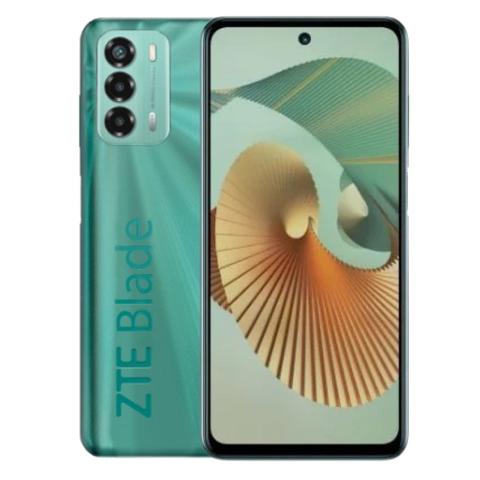


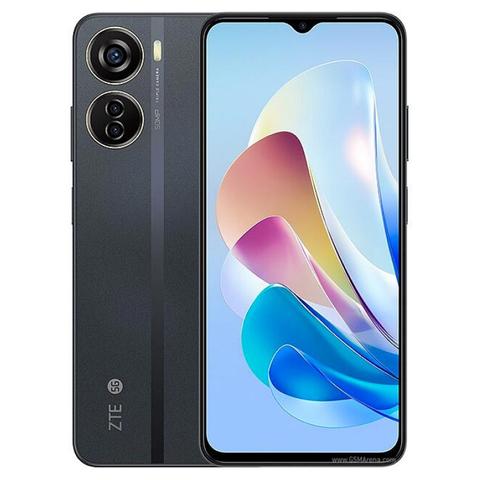
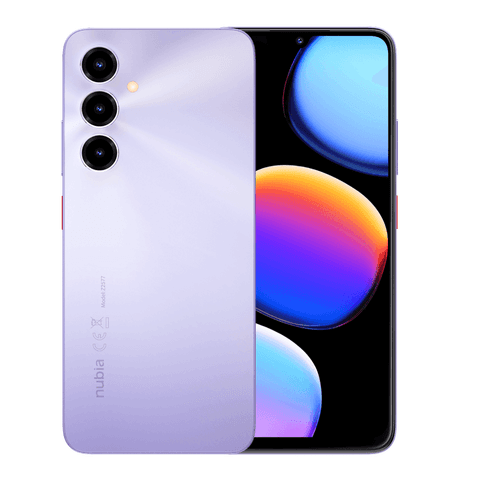


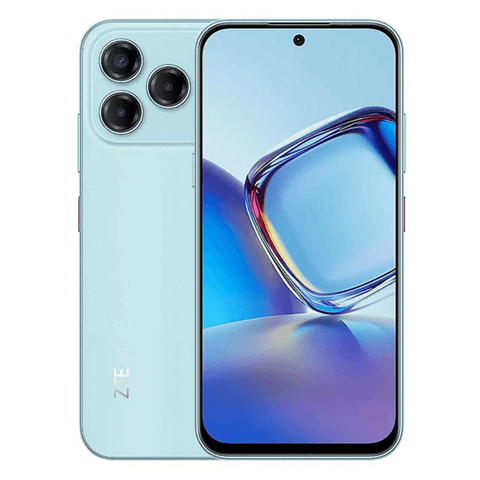
ZTE Blade V40 Design Comparisons

ZTE Blade V40 Design
$217
74% SPEC SCORE
6.6 inches (16.76 cm)
60Hz Display
50+2+2 MP (Triple)
8 MP (Single)
Unisoc
Tiger T616 (12 nm)
Android 12
MyOS 12
4500 mAh
22.5W wired
4 GB RAM
128 GB Storage
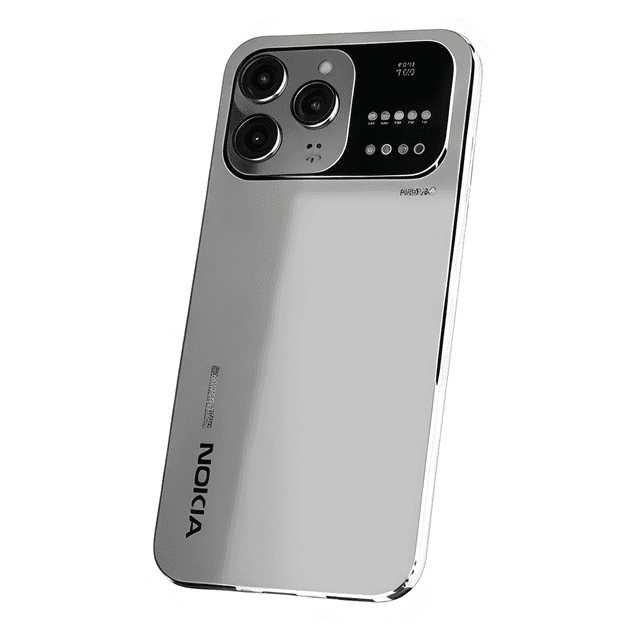
Nokia Lumia 200 5G
$163
97% SPEC SCORE
6.7 inches (17.02 cm)
144Hz Display
200+12+10 MP (Triple)
48 MP (Single)
MediaTek
Dimensity 9300
Android 15
N/A
6000 mAh
120W Wired
16 GB RAM
512 GB Storage

Realme 13x
$155
93% SPEC SCORE
6.78 inches (17.22 cm)
144Hz Display
50+13+2 MP (Triple)
16 MP (Single)
MediaTek
Dimensity 6020
Android 14
Realme UI 6
5000 mAh
67W Fast Charging
6 GB RAM
128 GB Storage
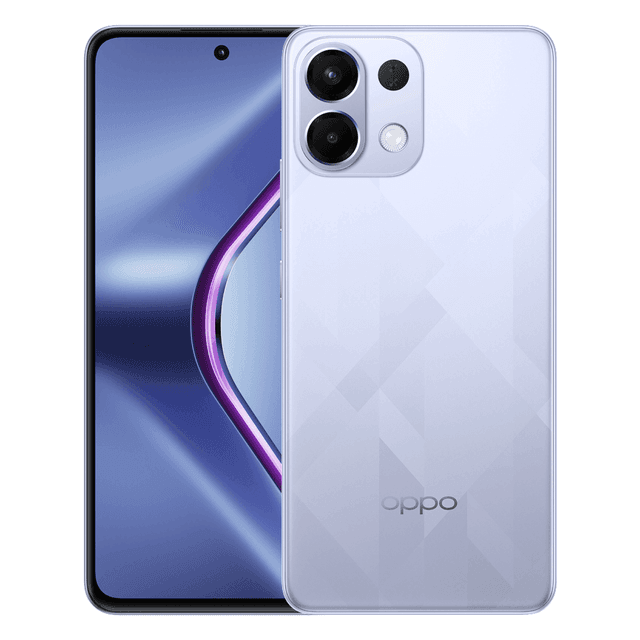
Oppo K12s
$150
94% SPEC SCORE
6.67 inches (16.94 cm)
120Hz Display
50+2 MP (Dual)
16 MP (Single)
Qualcomm
Snapdragon 6 Gen4
Android 15
ColorOS 15
7000 mAh
80W Fast Charging
8 GB RAM
128 GB Storage
Infinix Note 14i
$167
87% SPEC SCORE
6.74 inches (17.12 cm)
120Hz Display
64+2 MP (Triple)
16 MP (Single)
MediaTek
Dimensity 700
Android 14
N/A
5000 mAh
18W Fast Charging
4 GB RAM
128 GB Storage
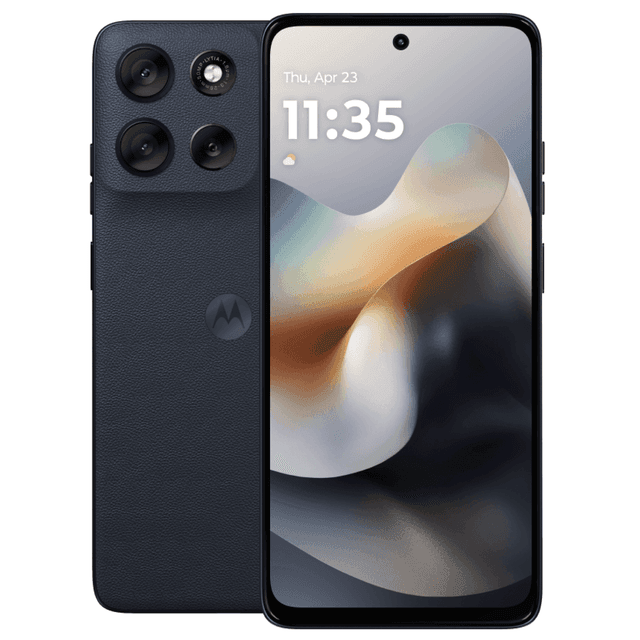
Motorola Moto G36
$170
92% SPEC SCORE
6.72 inches (17.07 cm)
120Hz Display
50+8 MP (Dual)
32 MP (Single)
N/A
N/A
Android 15
N/A
7000 mAh
33W Wired
4 GB RAM
128 GB Storage

itel P65 plus
$132
88% SPEC SCORE
6.67 inches (16.94 cm)
120Hz Display
50 MP (Single)
16 MP (Single)
Unisoc
T612
Android 14
N/A
5000 mAh
45W PowerCharge
8 GB RAM
256 GB Storage

Realme P3X 5G
$161
89% SPEC SCORE
6.72 inches (17.07 cm)
120Hz Display
50+2 MP (Dual)
8 MP (Single)
MediaTek
Dimensity 6400
Android 15
Realme UI 6.0
6000 mAh
45W Fast Charging (SuperVOOC Charge)
6 GB RAM
128 GB Storage

Tecno Spark 11
$144
91% SPEC SCORE
6.67 inches (16.94 cm)
120Hz Display
50+0.3 MP (Dual)
8 MP (Single)
MediaTek
Helio G90
Android 13
N/A
4500 mAh
18W Fast Charging
8 GB RAM
128 GB Storage

Samsung Galaxy A06s
$119
90% SPEC SCORE
6.74 inches (17.12 cm)
90Hz Display
50+13+2 MP (Triple)
16 MP (Single)
Qualcomm
Snapdragon 4 Gen 2
Android 13
One UI Core
5000 mAh
25W Fast Charging
6 GB RAM
128 GB Storage

Motorola Moto G43 5G
$118
91% SPEC SCORE
6.56 inches (16.66 cm)
90Hz Display
64+12+5+2 MP (Quad)
32 MP (Single)
MediaTek
Dimensity 6300
Android 14
My UX
5000 mAh
10W Fast Charging
4 GB RAM
128 GB Storage
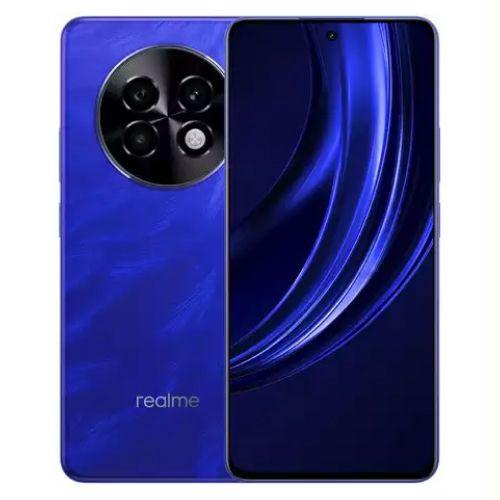
Redmi A4 5G
$119
94% SPEC SCORE
6.7 inches (17.02 cm)
90Hz Display
50 MP (Single)
8 MP (Single)
Qualcomm
SM4635 Snapdragon 4s Gen 2 (4 nm)
Android 14
HyperOS
5000 mAh
18W wired
8 GB RAM
128 GB Storage

Huawei Enjoy 70s
$167
87% SPEC SCORE
6.75 inches (17.14 cm)
90Hz Display
50+2 MP (Dual)
8 MP (Single)
Qualcomm
Snapdragon 680
HarmonyOS 4
N/A
6000 mAh
22.5W Fast Charging
8 GB RAM
128 GB Storage

itel Color Pro 5G
$125
84% SPEC SCORE
6.6 inches (16.76 cm)
90Hz Display
50+2 MP (Dual)
8 MP (Single)
MediaTek
Dimensity 6080
Android 14
N/A
5000 mAh
18W Fast Charging
6 GB RAM
128 GB Storage
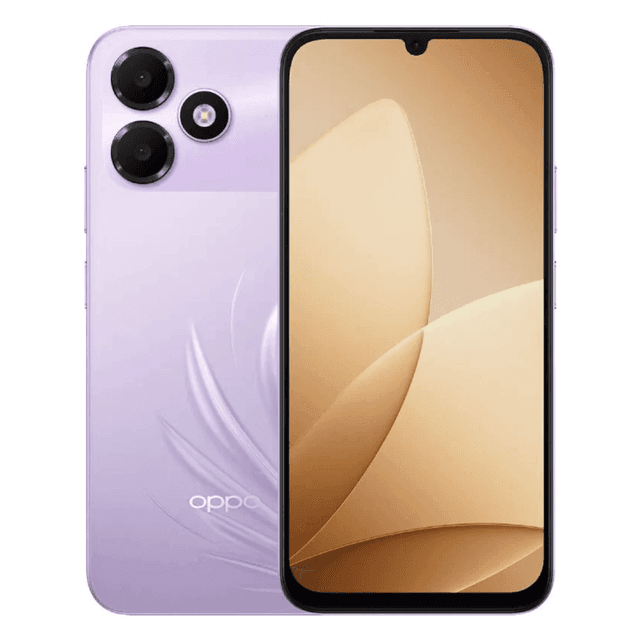
Oppo K14 Lite
$177
78% SPEC SCORE
6.75 inches (17.14 cm)
120Hz Display
13 MP (Single)
5 MP (Single)
Unisoc
T7250
Android 16
ColorOS 16
7000 mAh
15W Wired
4 GB RAM
64 GB Storage

Umidigi Note 90
$140
78% SPEC SCORE
6.75 inches (17.14 cm)
90Hz Display
13+2 MP (Dual)
8 MP (Single)
Unisoc
T606
Android 14
N/A
5000 mAh
18W Wired (PD fast charging)
4 GB RAM
256 GB Storage
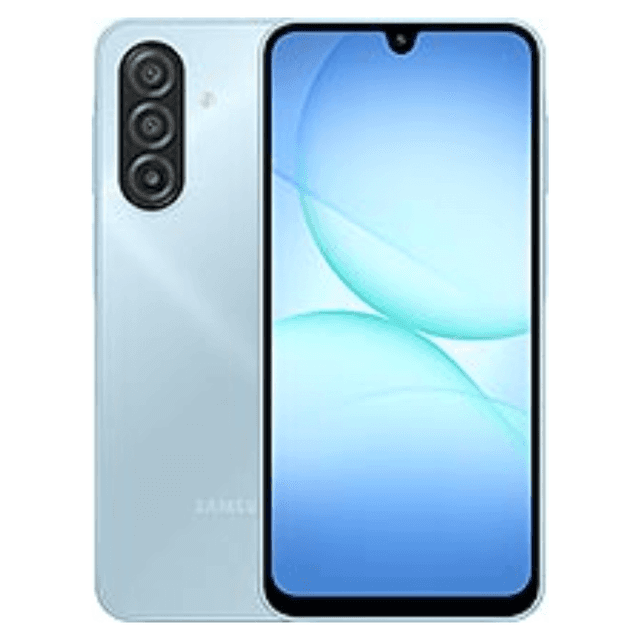
Samsung Galaxy A08 4G
$160
84% SPEC SCORE
6.7 inches (17.02 cm)
90Hz Display
50 MP (Dual)
8 MP (Single)
MediaTek
Helio G99
Android 17
One UI 9
6000 mAh
25W Wired
4 GB RAM
64 GB Storage

itel P65C
$132
79% SPEC SCORE
6.72 inches (17.07 cm)
90Hz Display
50 MP (Single)
8 MP (Single)
Unisoc
T606 12nm
Android 14
N/A
5000 mAh
18W Fast Charging
4 GB RAM
128 GB Storage

vivo Y29e
$155
83% SPEC SCORE
6.56 inches (16.66 cm)
120Hz Display
13+0.08 MP (Dual)
5 MP (Single)
MediaTek
Dimensity 6300
Android 14
N/A
5000 mAh
N/A
4 GB RAM
128 GB Storage
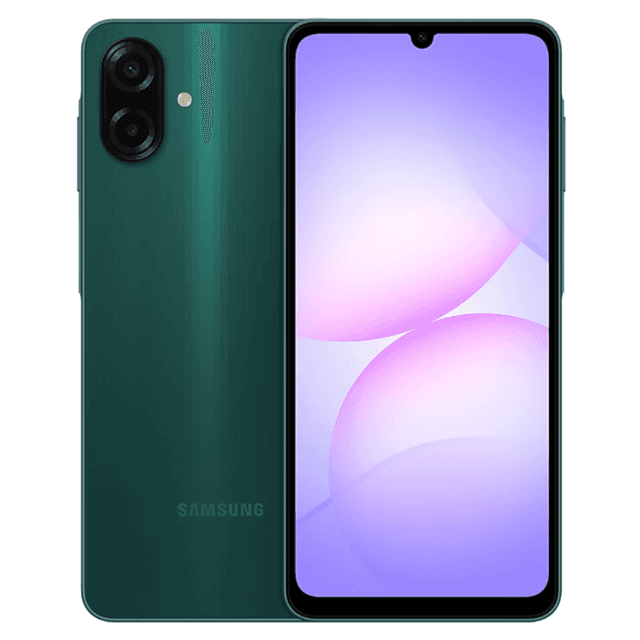
Samsung Galaxy A07s
$167
83% SPEC SCORE
6.7 inches (17.02 cm)
90Hz Display
50 MP (Dual)
8 MP (Single)
MediaTek
Helio G99+
Android 16
One UI
5000 mAh
22W Wired
4 GB RAM
64 GB Storage

HMD Aura 2
$155
81% SPEC SCORE
6.56 inches (16.66 cm)
90Hz Display
13+0.08 MP (Dual)
8 MP (Single)
Unisoc
T603
Android 14
N/A
5000 mAh
18W Fast Charging
4 GB RAM
64 GB Storage

LG Q7+
$167
85% SPEC SCORE
5.5 inches (13.97 cm)
120Hz Display
16 MP (Single)
5 MP (Single)
Qualcomm
Snapdragon 450
Android 8
N/A
3000 mAh
Pump Express+ Fast Charging
4 GB RAM
64 GB Storage

LeEco S1 Pro
$131
80% SPEC SCORE
6.5 inches (16.51 cm)
60Hz Display
13 MP (Dual)
5 MP (Single)
Unisoc
Tiger T7150
Android 11
N/A
5000 mAh
10W Fast Charging
8 GB RAM
128 GB Storage

Realme C15s
$119
84% SPEC SCORE
6.52 inches (16.56 cm)
60Hz Display
13+8+2+2 MP (Quad)
8 MP (Single)
Qualcomm
Snapdragon 662
Android 10
N/A
6000 mAh
18W Fast Charging
3 GB RAM
32 GB Storage
vivo Y50m 5G
$154
85% SPEC SCORE
6.75 inches (17.14 cm)
120Hz Display
13 MP (Dual)
5 MP (Single)
MediaTek
Dimensity 6300
Android 15
Realme UI
6000 mAh
33W Fast Charging
6 GB RAM
128 GB Storage

Gionee F9 Plus
$114
84% SPEC SCORE
6.26 inches (15.90 cm)
N/A
13+2 MP (Dual)
13 MP (Single)
N/A
N/A
Android 9
N/A
4050 mAh
N/A
3 GB RAM
32 GB Storage
Reviews (0)
No reviews yet. Be the first to review!

Frequently Asked Questions
Is the ZTE Blade a good phone?
The ZTE Blade V40 Design is a good budget phone for buyers who want a large screen, everyday Android performance, and a capable main camera at a low price. Its 6.6-inch FHD+ display, 50MP rear camera, 4500mAh battery, and 128GB storage make it practical for browsing, messaging, streaming, and casual photography. The Unisoc Tiger T616 and 4GB RAM are suitable for most basic Android tasks, but this is not positioned as a serious gaming phone or high-performance media device.
How old is the ZTE Blade?
The exact age of the ZTE Blade V40 Design cannot be confirmed from the provided specifications because no launch date is included. The supplied manual reference lists Android 12, which places the phone in the Android 12-era rather than among the newest Android releases. Buyers comparing age should check the phone’s current software update status and retail listing date, because those details affect long-term app support and security updates.
How to get ZTE out of safe mode?
The usual way to get a ZTE Blade V40 Design out of Safe Mode is to restart the phone normally using the power menu. Press and hold the power button, choose Restart if available, or power the phone off and turn it back on after a few seconds. If Safe Mode returns, check whether a volume button is stuck during startup, because Android can enter Safe Mode when certain hardware keys are held. Removing recently installed apps may also help if the phone repeatedly boots into Safe Mode after an app causes system problems.
Our Latest Blog

Learn how hardware startups should outsource custom electronics design, manage risk, avoid costly respins, and choose the right engineering partner.

Danica Gill
02 Jul, 2026

Apple has announced the Apple Design Awards 2026 winners ahead of WWDC26. Check the complete list of winning apps and games across Delight & Fun, Innovation, Inclusivity, Interaction, Social Impac...

Amit Dubey
03 Jun, 2026
Read the detailed OPPO Find X9 Ultra review and hands-on experience. Explore its 200MP Hasselblad camera system, premium design, 144Hz display, strong battery life, and flagship performance in 2026.
Amit Dubey
18 May, 2026
Apple’s iPhone 17 Series is here with a refreshed design, powerful upgrades and four models to choose from. Explore prices, specifications and standout features of the iPhone 17, 17 Air, 17 Pro and 17...

Tech Specs
16 Sep, 2025
Android 16 vs. One UI 8: A detailed comparison of features, design, and performance to help you understand the future of smartphone experiences.
Tech Specs
13 Jun, 2025