
Often, people who indulge in heavy gaming notice their phones start smoothly but become slower after sometime. Frame drops, controls get delayed and even apps start to take longer to respond. In extreme cases, devices even start to become too hot to use. This usually happens because of heat. When a phone gets too hot, it slows down the processor to reduce the temperature. This is called thermal throttling.
Thermal throttling is not a sign of a faulty phone. It is a safety feature designed to protect your phone from excessive heat. If you want to understand thermal throttling in detail, then read this post. This post explains everything about thermal throttling and why your phone slows down during gaming. Let’s dive in…
Thermal Throttling – What Is It?
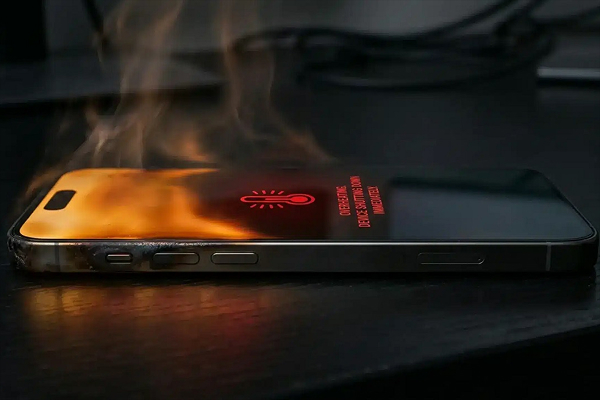
Thermal throttling is the process of reducing a phone’s performance. It usually happens when the internal temperature of the device becomes too high. Know that your phone’s processor runs at high speeds when you indulge in demanding tasks, play graphic-intense games, edit videos or use other heavy apps. This higher performance often leads to increased heat internally. If the temperature continues to rise, the phone automatically lowers the processor’s speed and power consumption. This reduces heat but at the same time implies that the phone may not perform at the same level.
That’s the reason most gamers notice that the game run smoothly for some time and slows down later, causing the frame rate to drop. This happens due to thermal throttling. It can happen on all kinds of phones, including budget-friendly, mid-range and flagship devices. In fact, more powerful phones sometimes get hotter because their processors are designed to handle heavier tasks. If you’re choosing a device mainly for gaming, comparing the cooling system, chipset efficiency, and sustained performance through a phone comparison gives a much clearer picture than raw specifications alone.
Why Phones Generate Heat in the First Place
The reason is simple – whatever you use your phone for; every activity uses energy. Some of that energy eventually turns into heat. Simple tasks such as checking messages, using social media or browsing the web usually don’t create much heat. But demanding tasks like gaming and video editing put more load on the processor and graphics hardware.
Gaming is one of the activities that put more load on the processor, graphic hardware, display and memory. When you play heavy games for longer duration; it produces more heat. The amount of heat generated increases further if you play while charging.
Besides gaming, video editing, recording high-resolution videos, using GPS for long periods, running multiple demanding apps, using the phone in direct sunlight, fast charging while using the phone and playing games at high graphics settings also increase temperature.
How Thermal Throttling Affects Real-World Performance
Thermal throttling doesn’t always make your phone suddenly slow. The performance reduces gradually to manage heat. Here is how it happens:
a. Gaming Frame Drops
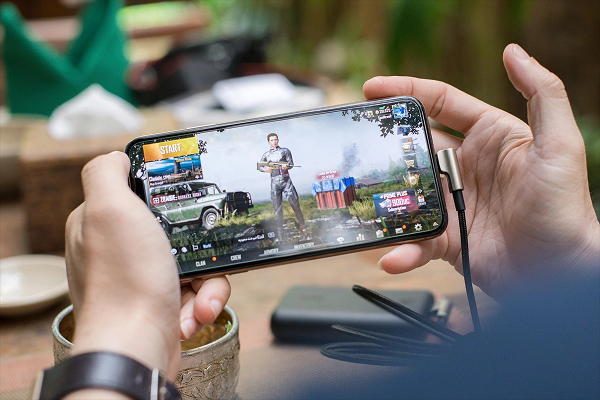
The first thing you may notice while gaming is a drop in frame rate. When you initially start playing a demanding game, the phone usually delivers smooth performance. However, if you continue playing for a longer duration, the processor and graphics hardware start to become hot. This is when Gaming Phones may reduce performance to control the internal temperature.
Because of this; however, you notice lower frame rates, stuttering, delayed responses, less consistent gameplay and reduced graphics performance. All in all, the game that starts at a stable frame rate not struggle to maintain the same level of performance after the phone becomes hot.
b. Slower App Processing
Thermal throttling does not only affect gaming, but it also affects other applications and activities. If your phone gets hot while editing videos, processing photos or doing other heavy tasks, the processor may slow down. Tasks may take longer and switching between demanding apps may feel slower. In extreme situations, even simple tasks like messaging or browsing become slow because of thermal throttling.
c. Camera Overheating Shutdowns
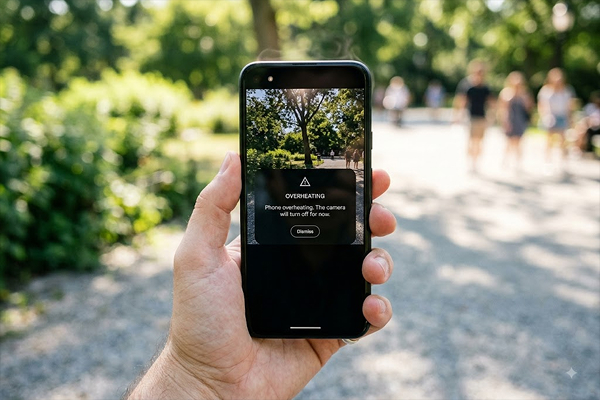
High temperatures can also affect the phone’s camera, especially when recording demanding video for long periods. High-resolution video recording, especially in hot surroundings often generate considerable heat. It happens because the processor, camera hardware and storage are all working continuously. Phones even stop recording if the device becomes too hot. This usually happens to ensure that your phone remains safe when it gets extremely hot.
What Phone Manufacturers Do to Manage Heat
Modern smartphones come with several heat management features to control temperature and prevent overheating. Manufacturers use different methods to control heat and keep the phone’s components cool. Some of the methods include:
a. Vapor Chamber Cooling
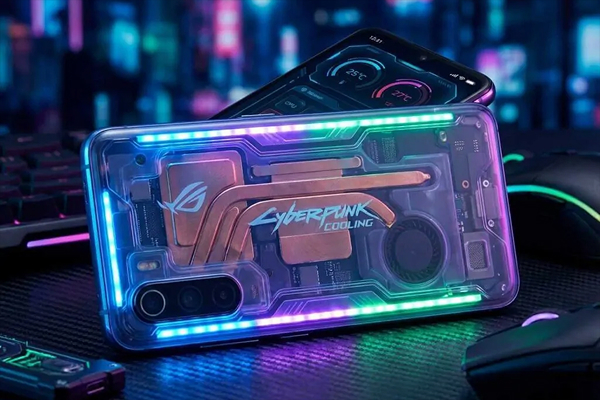
A vapor chamber is a thin cooling component designed specifically to spread heat across a larger area inside the phone. It moves heat away from the processor and spreads it across the phone. This helps the phone maintain performance for longer duration during heavy tasks like gaming. It does not prevent overheating completely but it does help manage heat. This is one of the biggest improvements you’ll find in many upcoming smartphones, as brands continue investing in larger vapor chambers and more efficient internal cooling designs.
b. Graphite Sheets
Graphite sheets are another common cooling solution that phone manufacturers use in modern phones. Graphite sheets spread heat across a wider area and prevent it from building up around one component. They are often used with other cooling methods to ensure better heat management.
c. Software-Based Throttle Control
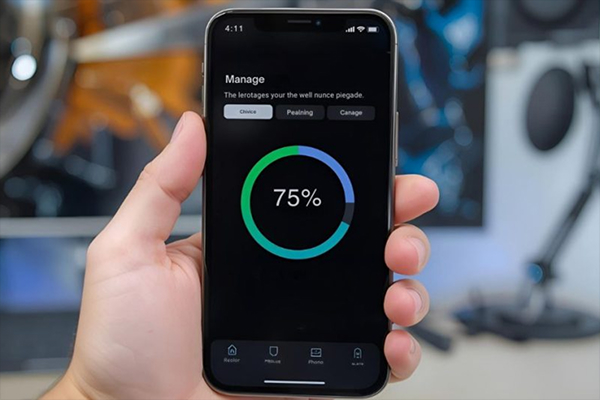
In addition to hardware, manufacturers also use software to manage heat. They use software to monitor temperature and reduce performance when the phone gets too hot. The phone monitors its temperature and adjusts performance when needed. It may slow down the processor, lower screen brightness or reduce gaming performance to control heat depending on the situation.
How to Reduce Thermal Throttling on Your Current Phone
Reducing thermal throttling on your current phone can be done using a few simple steps, such as:
- Lower Settings: You can reduce thermal throttling on your device by lowering demanding game settings. Simply reduce graphics quality, frame rates or other performance-heavy options.
- Avoid Playing Games While Charging: Charging already produces heat, and gaming at the same time can increase the overall temperature. Therefore, you should strictly avoid playing demanding games while your phone is charging.
- Keep Your Phone Cool: You should avoid playing under direct sunlight and hot places, such as cars. Also, consider removing the thick case while gaming and take breaks during long gaming sessions.
- Close Demanding Apps: Apps running in the background also generate heat. Therefore, you are advised to close all unnecessary demanding apps running in the background.
- Lower Screen Brightness: Make sure to lower screen brightness to reduce heat and battery usage.
- Keep Your Device Updated: Outdated software and applications also impact the performance of your device; hence, you should always keep your phone’s software and games updated.
Does a Higher AnTuTu Score Mean Better Thermal Management?
Not actually! AnTuTu and similar benchmark tests are needed for comparing raw performance. A higher score doesn’t imply that a phone will stay cooler during extended use. Even a phone with a high benchmark score can slow down when it gets hot. For gaming, sustained performance is often more crucial than the highest benchmark score.
A less powerful phone that stays cool and performs steadily can sometimes offer a better gaming experience than a faster phone that heats up quickly. Hence, you are advised to check long gaming tests and sustained performance reviews instead of just relying on benchmark scores when comparing devices.
The Bottom Line
So, this is all about thermal throttling. Thermal throttling does not mean a faulty device; it is, in fact, a normal safety feature added in modern smartphones. When your phone becomes too hot, it reduces performance to control the temperature and protect its internal components. Gamers may notice frame drops, stuttering and reduced performance after extended gaming sessions or other demanding tasks. Thankfully, modern phones come with various cooling solutions, such as vapor chambers, graphite sheets and software controls to manage heat.
However, you can further enhance your gaming performance by simply improving usage habits such as, lowering screen brightness, game settings, closing demanding apps and so on. Whenever your phone’s performance drops while gaming, give it a short break before resuming. Heat simply signifies that your phone is trying to protect itself, so be mindful!