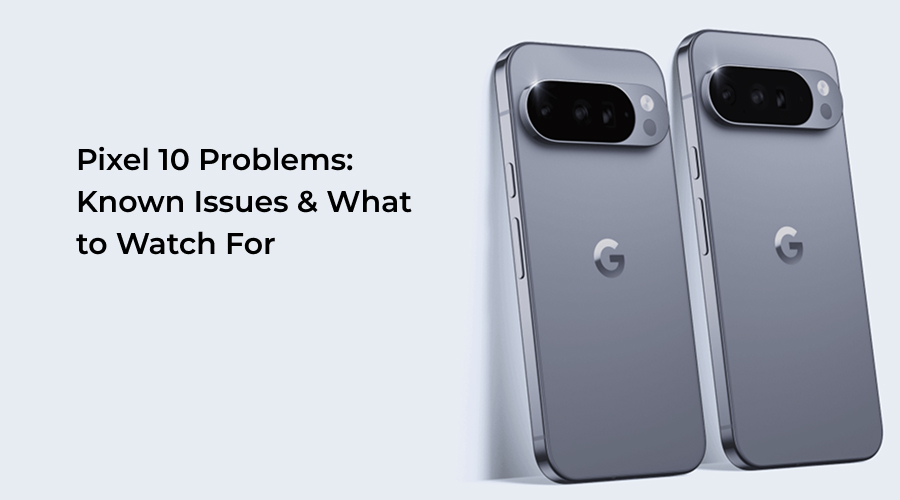
Phones have become a necessity for every individual today. There are phones for every budget and every need. People spend thousands of dollars to buy a smartphone. But how would you feel if you faced problems with your newly bought extremely expensive smartphone? Definitely, you will feel frustrated and agitated. The same is happening with people who bought the Google Pixel 10. Many users have reported experiencing issues with their Pixel 10 series phones. The phone costs over $800 for the best variant.
Still, after spending so much of money, users are experiencing problems with the phone. Worry not! If you are also having problem with your Google Pixel 10, then here we are to help you know the top issues with Pixel 10. So, without any further ado, let’s get started…
6 Major Google Pixel 10 Problems To Watch For
Here are all the problems that are users are facing with their Pixel 10 phone. Take a look for the signs to watch out for…
1. Shaky Video Footage
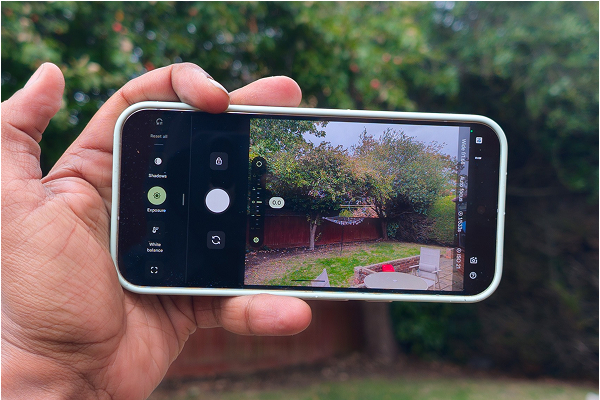
Camera video stability and shaky footage are two of the most reported problems with the Pixel 10. Often, users are reporting shaky or jittery video, especially when they try capturing a video at higher zoom levels. The issue is majorly found in the Pixel 10 Pro. According to some users, the Pixel 10 Pro’s electronic image stabilization (EIS) does not behave correctly.
Whenever they make videos, they are shaky rather than smooth. This is particularly noticeable at 2x–5x zoom and during handheld recording. Surprisingly this is where the stabilization is needed the most.
Here is what to watch for:
If your videos look shaky or unnaturally wobbly, then try making videos at different zoom levels. Also, switch between video modes such as locked vs. handheld while making the videos. If the problem persists in all other modes and zoom levels as well, then look for Google’s Camera updates.
Google has circulated a software patch to address the camera-related problems with Google phone’s camera performance.
Alternatively, you can try troubleshooting the issue using the steps below:
Clear Camera App Cache
- Go to Settings
- Now, go to Apps
- Find Camera app
- Go to Storage & cache
- Now, Clear cache
Aside from that, you can restart your phone before making a new video or use your device in safe mode.
2. Screen Issues
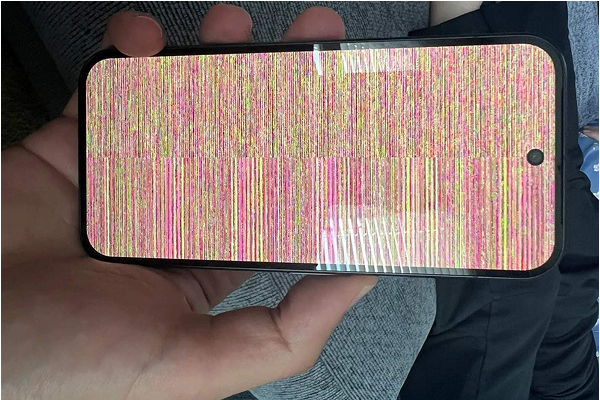
Another Pixel 10 issue that users have reported is with the phone’s screen. Screen flicker, touch sensitivity and “ghost touch” reports. Some people have reported of experiencing intermittent screen flicker, dimming and touch responsiveness issues, especially when indulged in gaming or using heavy apps.
The screen issues are described as “colorful snow” and it mainly occurs due to software glitches, such as adaptive brightness, frame-rate switching or a buggy display driver. But some users are even experiencing these screen issues because of hardware defects.
Here is what to watch for:
If you also encounter or are already facing screen issues with Pixel 10, then the best is to toggle adaptive brightness. Alternatively, you are required to keep your apps updated and try disabling high refresh modes temporarily. If the issue persists across factory resets, then the problem may be with the hardware.
In that case, you are advised to contact customer support.
3. App Crashing Pretty Frequently
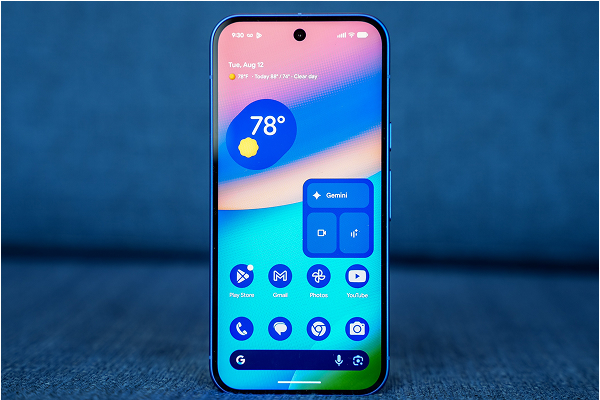
Several Pixel 10 users have reported app crashing issues along with instability after system updates. Some common signs include, force-closing, background services failing and occasional freezes.
Here is what to watch for:
If you are also experiencing app crashing issue pretty frequently, then here are some fixes to try; take a look…
- Reboot your phone.
- Clear cache for effective functioning.
- Boot into Safe Mode to rule out third-party app conflicts.
- Remove all the redundant and third-party applications.
Also, you are advised to keep your apps updated and wait for a follow-up patch from Google.
4. Battery Degradation Concerns
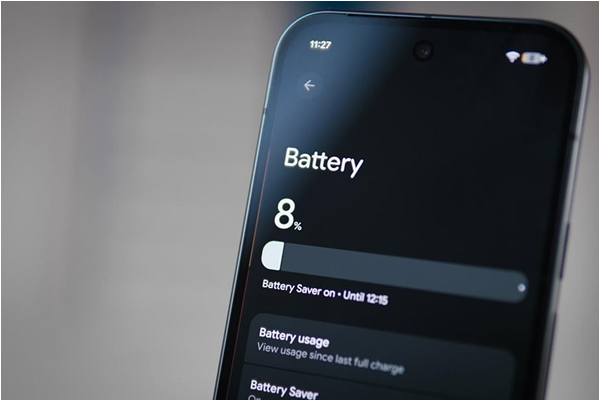
When it comes to buying a phone, most people focus on investing in a device with impressive battery. But sadly, some Pixel 10 users have even reported problem with their batteries. They have reported to experiencing unusual battery behaviour. Some of the issues include noticeable capacity decline after a number of cycles (often 200 cycles on certain units). Besides that, new ‘battery health’ behaviours in settings differ from previous Pixel generations.
According to Google’s official guidance, users are advised to keep Adaptive Battery on and let the system optimize after updates. But some users encounter problems with battery even after that.
Here is what to watch for:
If you are facing Pixel 10 battery issue, then you are advised to track battery usage and track how soon it drains. Use the built-in battery settings and third-party apps to see cycle counts.
If you see a frequent and sustained drop in maximum capacity or abnormal heat while charging, immediately contact Google Support or your retailer to get your battery replaced.
5. Issues with Wireless Charging
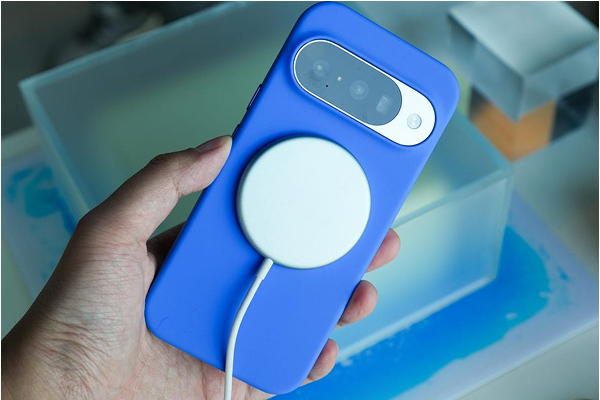
Google launched Pixel 10 with Qi2 magnetic alignment hardware to ensure more stable magnetic wireless charging. For that, Google removed the Battery Share (reverse wireless charging) feature from the Pixel 10 series.
According to Google it was done to avoid physical limitations caused by the phone’s magnet array. Even then users are facing problem with wireless charging. Some users have reported an inconsistent wireless charging behaviour. This usually happens when older Qi chargers are used.
Aside from that, users even experience wireless charging issues when charging on third-party stands. Early compatibility bumps are expected as Qi2 magnetic alignment hardware is pretty new.
Here is what to watch for:
If you are also experiencing wireless charging issue with your Pixel 10, then make sure you are using only the charger that came along with your Google Pixel 10. Aside from that, you can try investing in wireless chargers with strong magnetic alignment, Alternatively, you can invest in the accessory ecosystem that supports Qi2 charging docks and get a power bank.
Also, you are advised to keep your phone and accessory firmware updated at all times.
6. Issues with Pixel 10 Pro Fold
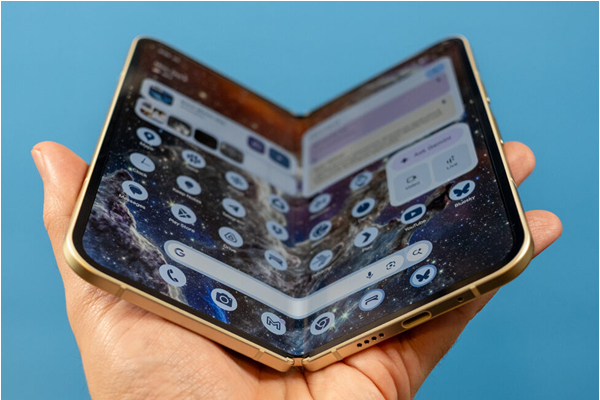
Users even experience problem with the Pixel 10 Pro Fold. The Pixel 10 foldable features a hinge mechanism. It often collects dust or debris, which ultimately affects smooth folding and unfolding. Even third-party tests show that under extreme pressure or bending, the hinge can struggle.
Aside from that, creasing along the fold is yet another problem that users have complained about.
Here is what to watch for:
If you are unable to open or close the phone smoothly, notice unusual noises or stiffness when folding or visible dust or particles in the hinge area, then there is a problem with the fold mechanism. If so, then you should try keeping your phone clean at all times. Doing so will avoid dust or debris ingress in the hinge. Aside from that, use your phone with care and keep all the apps updated.
Also, you are advised to monitor heat, fold-line changes and app behaviour to ensure long-term performance.
So, these are the 6 major Pixel 10 problems that users are experiencing. Of course, it is a matter of concern. After all, you have spent a lot of money on your mobile device. But don’t worry, here we have listed some fixes for you, you can follow these to improve your experience. Take a look…
Top 6 Troubleshooting Tips to Handle Pixel 10 Issues
Here are some workable tips to troubleshoot your Pixel 10; take a look…
- Keep your phone and apps updated at all times.
- Keep clearing app cache and data.
- Try factory reset if you experience frequent Pixel 10 issues
- Safe Mode to rule out third-party apps.
- Check for Google’s updates and patches. Google keeps releasing monthly security patches and periodic fixes for Pixel-specific issues. Keep checking Google’s official Pixel support forums and update notes.
- Reach out to Google Support or your retailer if you face extreme hardware problems. They may take care of repair or replacement (if needed).
The Bottom Line
So, these are the Pixel 10 issues that you should be aware of if you have bought the phone already or are planning to buy it. There is no doubt that the Google Pixel 10 is the best foldable device for multitasking and heavy gaming.
Also, it comes with mesmerizing features and cutting-edge capabilities, ensuring an unforgettable user experience. But you cannot deny the fact that Pixel 10 problems hamper user experience to a great extent. Problems like shaky videos, battery health, wireless charging and so on impact user’s experience greatly. However, with the troubleshooting tips that we have outlined above you can easily get some peace of mind while using Pixel 10.
The best thing is that most of the Google Pixel 10 problems are software related and thankfully, Google keeps releasing software updates and patches to eliminate the issues. Hence, you are advised to keep an eye on Google’s latest updates and patches and enjoy using your device without any problem.