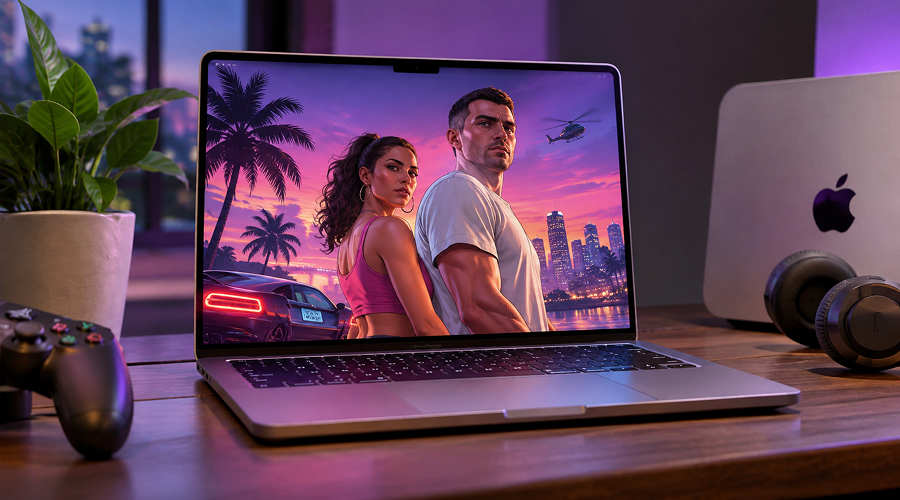
Grand Theft Auto VI (GTA 6) is finally here to take players back to Vice City. The game is back with a new story, characters and a large open world. Released on November 19, 2026, the game was mainly developed for PlayStation 5 and Xbox Series X|S. Rockstar Games developed Grand Theft Auto VI (GTA 6).
However, the game has no official macOS version or free Mac download. Mac users can try cloud gaming or console streaming, but they must own the game and have a supported service or console. So, if you want to know how you can get started and what are your options, then read this post. Here, we have explained how Mac users can download GTA 6. Let’s get started…
Can You Download GTA 6 for Free on Mac?
No, GTA 6 cannot be downloaded for free on Mac. Rockstar Games has not released a macOS version of the game. Also, the game is not available as a free download. The official versions are only available for PlayStation 5 and Xbox Series X|S. Players need to purchase the game to enjoy the game. There is no official free trial or Mac installer for GTA 6. Mac users can play it on their device through supported streaming methods. However, you will still need to buy the game, and some services may charge an additional subscription fee as well.
How to Play GTA 6 on a Mac: Available Options
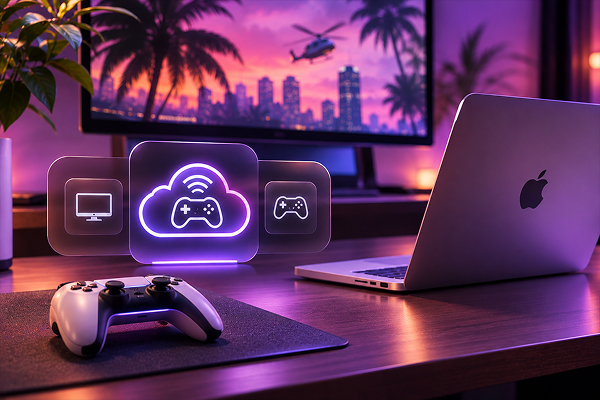
You cannot install GTA 6 directly on macOS, but you can play it through streaming. You can also explore compatible gaming options on your mobile device through supported game streaming services. Here are the steps to follow:
1. Check Whether Your Mac Meets the Requirements
First and foremost is to check whether your Mac meets the requirement before even trying to stream GTA 6. Check your Mac’s hardware and software details. You don’t need a powerful Mac for console streaming because the game runs on the console, not your computer. But you still need to have:
- Updated macOS and browser or streaming app.
- Stable Wi-Fi or wired internet.
- Enough memory for smooth performance.
- Bluetooth or USB support for a game controller.
To check your Mac’s specifications, follow these steps:
- Go to the Apple menu
- Select About This Mac
- Here, you will see your processor, memory and macOS version
Besides that, also ensure your browser is updated as an older browser may cause connection problems or affect streaming quality.
2. Play GTA 6 Through a Supported Cloud Gaming Service (If Available)
Cloud gaming is yet another way to play GTA 6. It lets you play games without downloading or installing them on your computer. The game mainly runs on a remote server, and you can play it on your Mac through an internet connection.
Xbox Cloud Gaming works on Mac through supported web browsers. Simply visit its official website, sign in and check the available games. However, GTA 6’s announced Xbox Cloud Gaming support is limited to Xbox consoles, not Mac. Also, check whether services like NVIDIA GeForce NOW or Amazon Luna support the game before buying a subscription, as their game libraries can change.
3. Stream the Game from a PlayStation or Xbox Console
If you own a PS5 or Xbox Series X|S, you can stream GTA 6 to your Mac using console remote play. PS5 users can use Sony’s PS Remote Play app, while Xbox users can check the available Remote Play options. Make sure your console has an internet connection and remote access is enabled before streaming.
4. Connect a Controller and Configure Game Streaming
GTA 6 is made for console controllers, so using one can make playing easier. You can connect a PlayStation or Xbox controller to your Mac using Bluetooth or a USB cable.
Steps to connect a Bluetooth controller:
- Go to System Settings on your Mac.
- Select Bluetooth.
- Put your controller into pairing mode.
- Find the controller in the list of available devices.
- Select Connect.
After connecting, open the remote-play app and check if it detects your controller. If the game keeps lagging, lower the streaming quality or frame rate for smoother gameplay.
5. Check Internet Speed and Streaming Quality
A stable internet connection is important for playing GTA 6 through streaming. Without proper internet connection, you won’t be able to enjoy the game. If you also enjoy playing games on the go, a gaming phone can offer powerful performance and smooth gameplay for mobile gaming. Consider the following, for the best experience:
- Use a reliable broadband connection.
- Consider connecting your Mac to a 5GHz Wi-Fi network or Ethernet where possible.
- Keep your Mac close to the router.
- Close unnecessary downloads and streaming applications.
- Avoid connecting too many devices to the same network while gaming.
An internet speed of around 20 Mbps or more is good for cloud gaming. If you notice lag, blurry images or connection problems, lower the streaming quality and check your internet connection.
Is GTA 6 Officially Available for macOS?
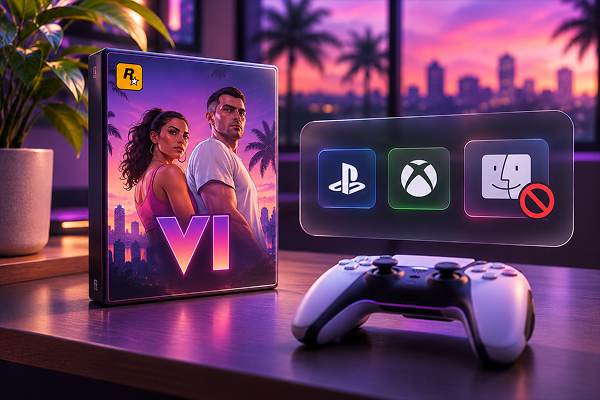
No. As of November 2026, Rockstar Games has not released GTA 6 for macOS. The game is officially available for PlayStation 5 and Xbox Series X|S. Also, there is no dedicated Mac installer, macOS download or confirmed native Mac version. Unlike other games, GTA 6 cannot be installed directly on a Mac. Mac users need to use supported streaming options to play it on their computers.
GTA 6 Download: Official Platforms and Availability
Before downloading GTA 6, check which platforms support the game. Here is a quick comparison:
| Platform | Availability | Download or Streaming |
| PlayStation 5 | Available | Official digital and physical versions |
| Xbox Series X | Available | Official digital and physical versions |
| Windows PC | Not announced | No official PC download |
| Mac | Not available | No native macOS version |
| Xbox Cloud Gaming | Available on supported Xbox consoles | Cloud streaming |
| PlayStation Remote Play | Supported | Stream from your PS5 |
You can purchase GTA 6 through the official Rockstar Games website, PlayStation Store or Microsoft Store.
NOTE: With cloud streaming and Remote Play option, you can play games on your Mac without installing them directly.
Why You Should Avoid Free GTA 6 Mac Downloads
Know that you may come across many fake installers or unsafe websites while searching for free GTA 6 downloads. You must avoid these files as they can harm your computer or steal your personal information. Here is why you should to avoid them.
1. Fake GTA 6 Installers and Download Links
Many websites offer fake GTA 6 Mac installers through misleading download buttons and ads. You already know that there are no free installers available for GTA 6. Hence, you should avoid downloading fake files as they may redirect you to unsafe websites or apps. Therefore, you should always download games from official stores and trusted sources.
2. Malware and Data-Stealing Risks
Downloading files from unknown websites can put your device at risk of viruses and malware. These files may steal your personal information, access your files or install unwanted software. Also, do not ever turn off your Mac’s security settings to install unofficial GTA 6 files. Remember that protecting your data is more important than downloading a game.
3. Unofficial Emulators and Modified Game Files
Some websites offer modified GTA 6 files, emulators or Mac installation tools. They often fail to work and may also contain harmful files. GTA 6 has no official Mac version, so don’t pay for tools that claim to offer a free Mac version.
When Could GTA 6 Come to Mac?
Rockstar Games released GTA 6 on November 19, 2026, for PlayStation 5 and Xbox Series X|S; however, the company has not announced a PC or Mac release date for the game. There is no confirmed date for the PC version, and the Mac version may take even longer. Until Rockstar makes an official announcement, avoid websites offering early GTA 6 Mac downloads.
Free GTA Games You Can Play on Mac While Waiting
Here are the games that you can play on Mac while waiting for GTA 6. Take a look…
- Unturned: Unturned is a free-to-play open-world survival game. It is available on Steam for macOS. It allows you to explore large maps, collect resources, build shelters and fight zombies.
- Roblox: Roblox is yet another game that you can play on Mac. It is available for free to download and offers several user-created open-world and city-based experiences. Some games even provide activities similar to those found in open-world action games.
- Free browser-based games: You can also explore free city-building, driving and adventure games through trusted gaming websites. However, you are advised to check their Mac compatibility before playing.
These games are not the same as GTA 6, but you can enjoy them while waiting for its Mac release.
The Bottom Line
So, this is how you can download Grand Theft Auto VI (GTA 6) for FREE on Mac. GTA 6 is not officially available for Mac as a free Mac download or a Mac game. However, Mac users who own the game can try supported console streaming options to enjoy the game. If you don’t have a PS5 or Xbox Series X|S, wait for an official PC release or try other free Mac games while waiting. Most importantly, avoid downloading from fake sites as it can harm your device or steal your information.