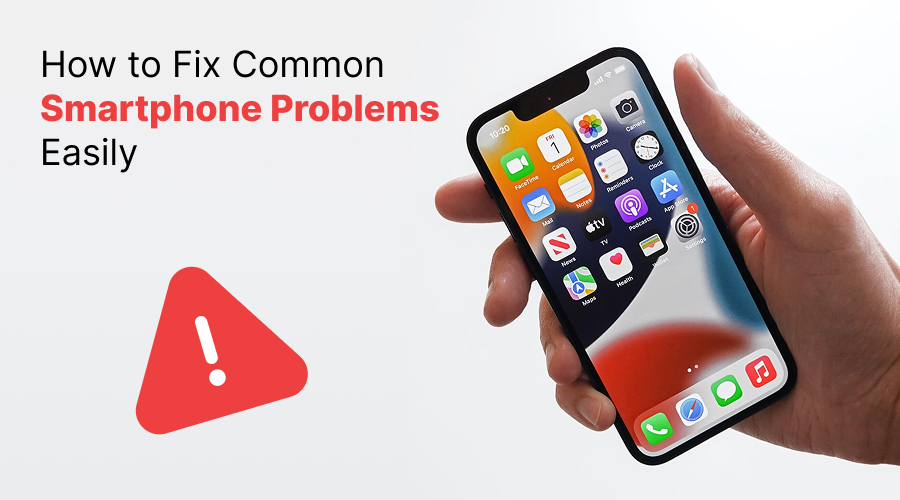
You must have heard that problems come unexpectedly in life and that problems are inevitable. And the same goes with your smartphone as well. Almost every smartphone owner must have encountered this issue so far. Your phone can start to act up at any time. So, what do you do when it happens?
Well, in most cases, we all get agitated and frustrated. Of course, problem with phone affects a lot of other things. Also, we keep thinking about the problem all day long. But no anymore! In this post, we have outlined 12 most common issues that you may encounter with your phone along with their solutions. So, without any further ado, let’s get started…
Table of Content
- 12 Most Common Phone Problems and Their Solutions
- Bottom Lines
12 Most Common Phone Problems and Their Solutions
Here is the list of the common phone problems along with their solutions to have a seamless user experience. Take a look…
1. Fast Battery drain
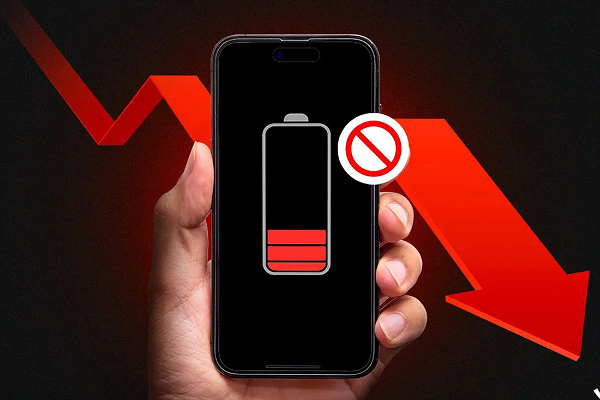
More often than not, users report issues with their device’s battery life. A poor battery drastically impacts user performance. It usually happens when your phone is overloaded with battery-hungry apps and if the hardware is old, obsolete or intensively used.
Solution: The best way to prolong your smartphone’s battery is to change your location and brightness settings and remove battery-hungry applications.
Steps:
- Go to the settings menu
- Now, click on Location
- Select battery-saving mode
For brightness:
- Avoid using auto-brightness
- Turn your screen down to the level easy for your eye
2. Slow Performance
Performance issues usually arise when storage gets full or the device becomes outdated. While many upcoming phones promise faster processors and better RAM management, existing devices can still perform well with the right fixes.
Solution: Solutions are very simple. Uninstall unused applications, photos and videos and move them to the cloud or a microSD card. Besides, delete app cache, and limit the use of live wallpapers.
Steps:
- Go to the Settings
- Now, go to Apps
- Select particular apps
- Now, select the Clear Cache option
3. Overheating
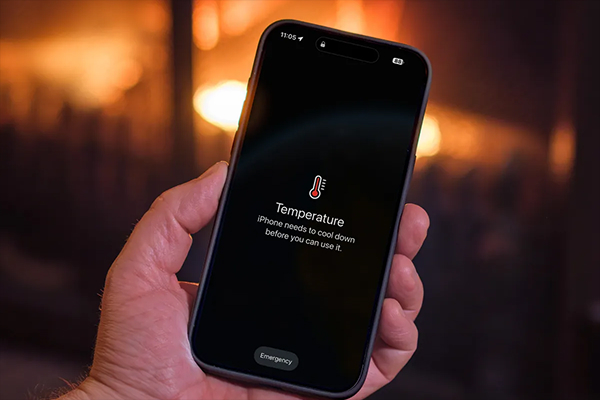
When your phone becomes unusually hot during use or charging, it is the sign of overheating. It occurs due to old battery, using third-party charger or indulging in heavy gaming sessions.
Solution: Avoid using your phone while charging. Aside from that, close background applications as they consume lot of your phone’s battery in the background, leading to overheating and slow performance.
4. Connectivity Issues
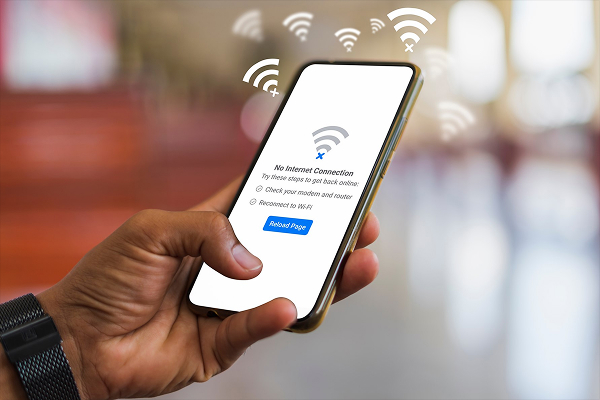
Sometimes people face problem while connecting to Bluetooth, Wi-Fi, or the cellular network, leading to connectivity issues. It could be because of poor internet connection
Solution: You can fix it by switching airplane mode on and off, resetting network settings or change your location for better signal.
Steps:
- Go to the Settings
- Enable Airplane mode for 30 seconds
- Now, toggle it off and try connecting again.
If the issue still persists, then try re-pairing your Bluetooth device or Wi-Fi network again to get rid of the issue.
5. Apps Crashing Frequently
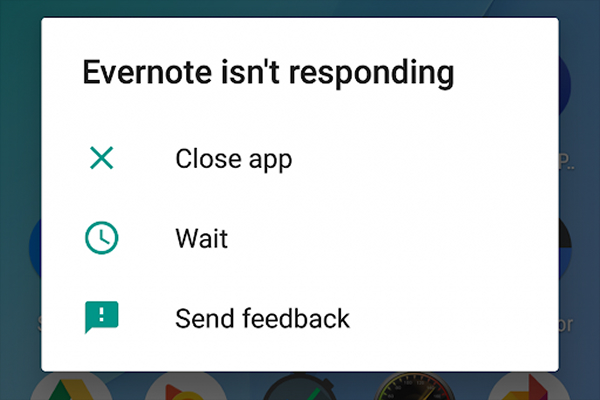
Users often report of apps crashing frequently or not opening at all. It may happen due to outdated operating system, un-updated applications, low RAM, cached files and so on.
Solution: Update the app, clear its cache and data or reinstall the application.
Steps:
To update the app:
- Go to App Store (Google Play Store for Android and or App Store for iOS)
- Now, tap your profile icon,
- Go to “Manage apps & device” or “My Account”
- Select “Update” next to the app you want or “Update All” to update all apps at once
To clear app cache:
- Go to the Settings
- Now, go to Apps
- Select particular apps
- Now, select the Clear Cache option
To reinstall the app:
- First, uninstall the app from your device
- Now, go to the App Store (Google Play Store or Apple App Store)
- Now, search the application
- Hit install button to download and reinstall the app
6. Storage Full
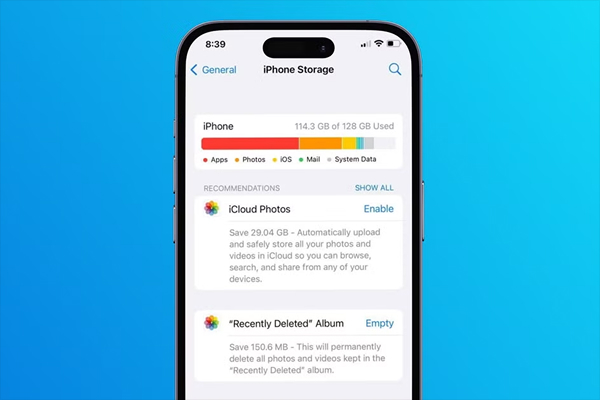
If you frequently get “Storage Almost Full” notification on your device, then it means your phone’s storage is full. It happens when your phone is overcrowded with unused application, photos and videos
Solution: Delete all unused apps, clear cache, move filed to cloud storage or on microSD card.
Steps:
- Go to your phone’s Settings
- Find the “Unused apps”
- Select Unused Apps and hit uninstall button
7. Syncing error
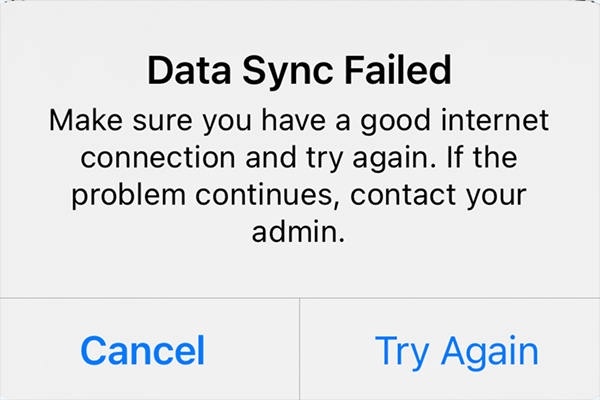
Syncing error is yet another issue that you may encounter with your device. Most common reasons include poor internet connection, serve problems, software conflicts and so on.
Solution: There are numerous ways you can handle syncing issues. Make sure you device is connected to internet and that the service you are trying to sync with is not down as well. Aside from that, check the password you have entered is correct.
8. Unresponsive Screen
An unresponsive phone is one of the most critical problems that creates more annoyance than any other reason. It may happen because of software issues like overloaded systems (insufficient storage or app glitches) or hardware problems such as dirt and moisture on the screen. In some cases, the issue is caused by water Damage, especially if the device has been exposed to spills, rain, or accidental submersion.
Solution: Most of the time, the unresponsive screen can be fixed with a simple restart. However, if the phone is damaged or submerged in water, then immediately turn your phone off and wait for a while before powering it on.
9. Google Play Store Crashes Frequently
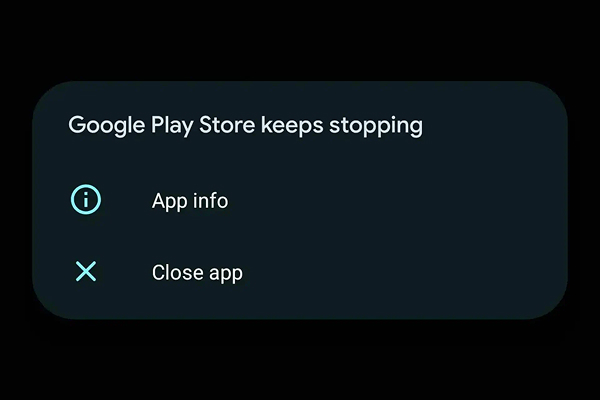
This is yet another problem that users often encounter with their devices. It probably happens because of corrupt cache.
Solution: Just clear cache from your device.
Steps:
- Go to Settings
- Tap Apps
- Find and tap Google Play Store
- Tap Storage & cache
- Select Clear Cache to remove temporary files
10. Apps Not Downloading
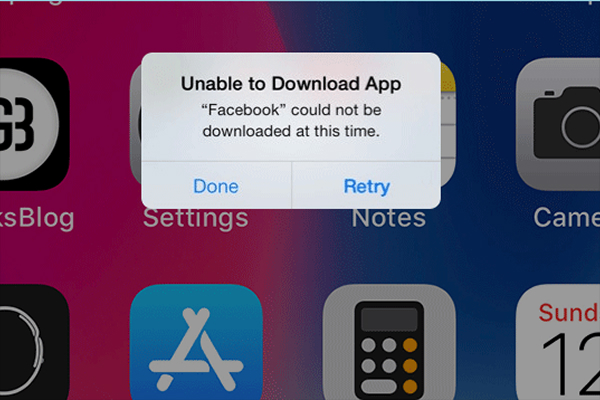
Sometimes app do not download and it may happen for several reasons, including corrupt cache.
Solution: Wipe Google Play’s history to get rid of the issue.
Steps:
- Go to the Google Play store
- Tap on the three lines in the upper left of the screen
- Open the app’s menu
- Choose Settings
- Tap on Clear local search history
11. No Sound from Speaker
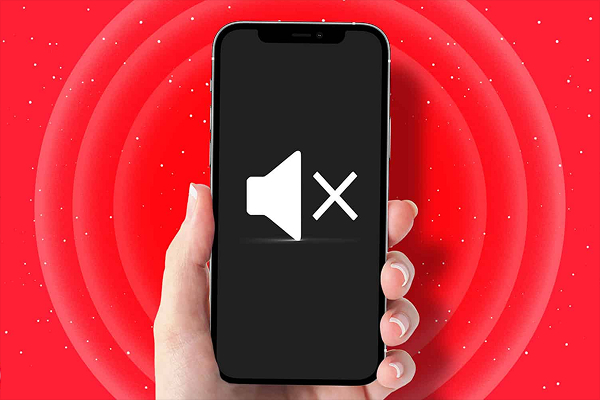
Sometime users experience problem with their phone’s speaker, such as no sound during calls, videos, or music.
Solution: It is not a hardware problem, then you are advised to check volume settings. Aside from that, you can disable silent mode, clean the speaker grill and test with headphones for seamless audio.
12. Phone Keeps Restarting
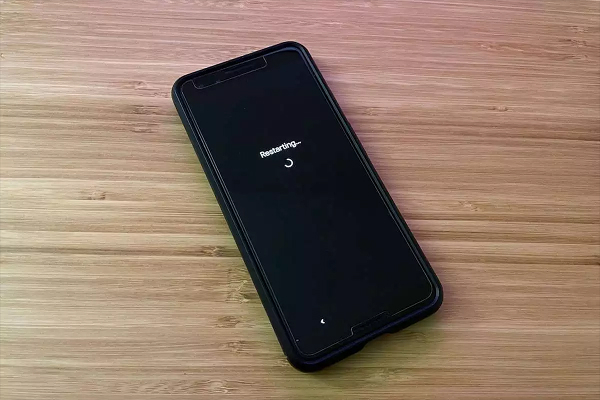
If your device keeps restarting automatically, then worry not.
Solution: The solution is simple, just uninstall recently installed apps to get rid of the apps. If the problem persists, then update software or perform a factory reset (if needed).
The Bottom Line
So, these are the 12 most common issues that users often experience. However, with the fixes we have outlined above, you can easily get rid of the problem and have a mesmerizing user experience. If these solutions don’t help you get rid of the issue, then you are suggested to contact the support team or a professional mobile repair centre for eliminating the issue.
Thanks for reading Hope this post helps you have an outstanding user experience. Stay tuned for more such insightful articles!