Phones are really important for people these days. You will agree to this that spending even a day without having your phone by your side is actually hard, especially in this hyper-connected world. Phones not only act as communication tools, but also serve as entertainment hubs and productivity tools. All in all, smartphones offer incredible convenience, right at your fingertips. But you cannot deny that all this convenience and comfort don’t come without a downside. And the downside is life of your device’s battery.
With time, smartphone batteries start to degrade, work poorly and make you keep your phone plugged at all times. If you are also struggling with a poor battery in Android or iPhone, then this post is for you.
In this post, we will share some of the best solutions to extend battery lifespan on both Android and iPhones. Alright! So, let’s get started…
Before we delve into the solutions to expand battery lifespan, let’s first understand what impacts battery lifespan. Here we go…
Factors Affecting Battery Lifespan
Most consumer electronics, including advanced smartphones house lithium-ion batteries. Of course, a lithium-ion battery is a robust choice and can be recharged as many times as needed. However, the fact remains, these batteries naturally degrade over time. Here is the quick peek of the factors that impact battery health…
- Charge Cycles: If you tend to recharge your phone (whether Android or iOS) multiple times in a day, then your phone’s battery is sure to degrade with time.
- Charging Habits: Frequent use of fast charging, leaving your phone plugged in for long periods or regularly letting the battery fully drain also shorten its lifespan.
- Usage Patterns: Using heavy apps, letting activities run in the background, or keeping your screen brightness very high also drain your battery faster.
- Varied Temperature: High temperatures lead to battery wear faster, and low temperatures on the other hand reduce battery performance. In both the situations, it adversely impacts battery lifespan.
- Old Device: Using an older device also leads to shorter battery life, as batteries naturally degrade over time with regular and more frequent use.
So, these are the common reasons you may be struggling with poor battery life. Let’s now take a look at the solutions to extend battery life. Here we go…
Smartest & Easiest Ways to Extend Battery Lifespan on All Devices
Here is the list of the best tips to maximize battery longevity just with few steps. Take a look…
1. Smart Charging Habits
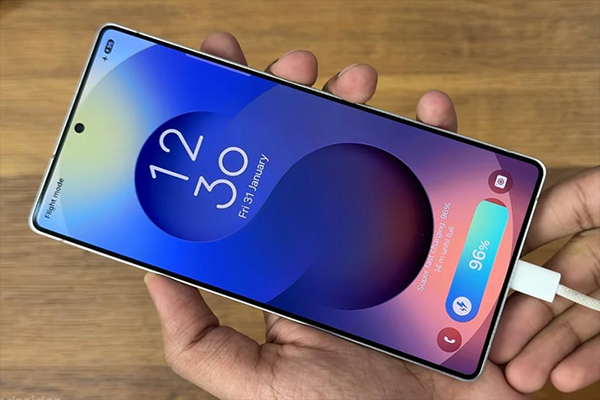
Well, the process of extending battery lifespan begins with your charging habits. It is crucial to opt for healthier charging habits.
Pro tips for smarter charging:
- Avoid overnight charging. Understand that smartphone batteries work best kept between 20% and 80% charge.
- Avoid full discharges as it also impacts the battery life and put immense stress on your phone’s battery.
- Do charge when the battery drops to around 20–30% don’t wait for full discharge.
- Unplug your device after it is 80% charged.
- Enable battery optimization features, such as Android adaptive charging or iOS Optimized Battery Charging.
- Use the charger that came along with your phone to ensure the battery receives the correct voltage and current.
- Avoid using low-quality, third-party or incompatible chargers as they can generate excess heat and stress the battery.
2. Change Brightness and Display Settings
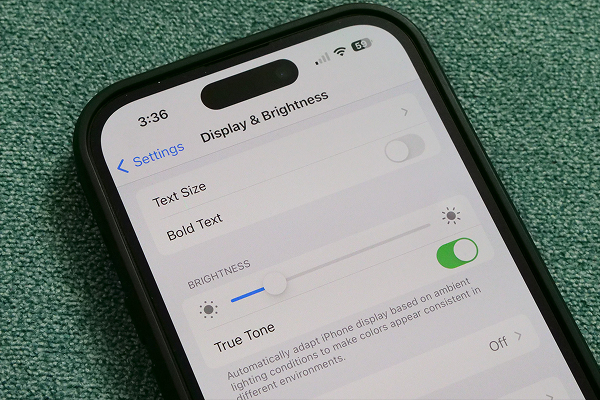
As you know screen brightness level and display settings also adversely impact your phones. In such conditions, adjusting screen settings can significantly extend battery lifespan.
Here is what you can do:
- Enable auto-brightness or manually lower screen brightness to save power and improve battery longevity.
- Most advanced phones come with dark mode feature that allows users to save battery. Whenever possible try using your phone in dark mode.
- You can always set a minimum screen timeout for your phone. Doing so will reduce the time it takes for your screen to turn off, which will significantly save your battery lifespan.
- Enabling adaptive or battery-friendly display modes can also help you extend your battery lifespan as it reduces refresh rates and uses less power.
3. Manage Background Apps and Processes
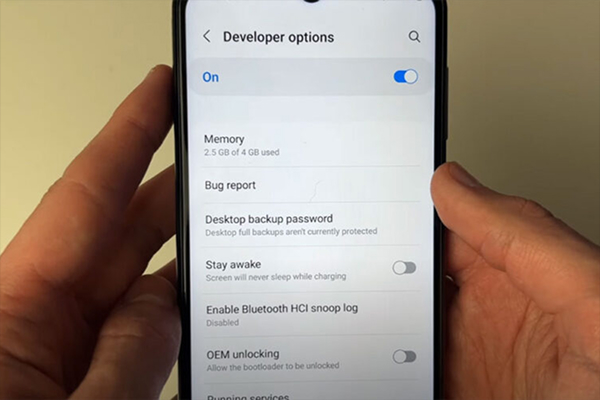
Apps running in the background also drain battery and result in battery degradation. To handle the issue, you should consider closing all the apps that you do not use anymore.
Here are the steps:
- For Android Devices: Go to Settings > Battery > Background to restrict background activity for apps consuming excessive energy.
- For iOS Devices: Go to Settings > General > Background App Refresh to disable background activity for apps.
Aside from that, disable all unnecessary notifications to enhance your battery performance and lifespan.
4. Use Battery-Saving Modes
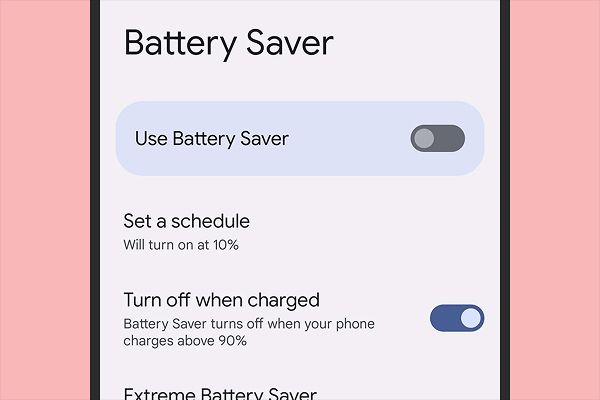
Both Android devices and iOS devices come with power-saving modes. Take advantage of these modes to extend your phone’s battery lifespan.
Here are the steps:
- For Android Devices: Go to Settings > Battery > Battery Saver. Click on it and safeguard your phone’s battery.
- For iOS Devices: Go to Settings > Battery > Low Power Mode. Click Low Power Mode option to reduce background activities and restrict automatic downloads and improve your battery life.
Enabling these settings puts less stress on your battery, helping it last longer.
5. Track Battery Usage
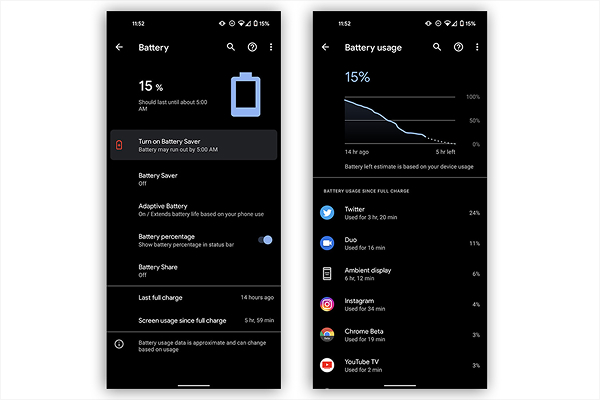
Tracking battery usage is again crucial when it comes to extending battery lifespan.
Here are the steps:
- For Android Device: Go to Settings > Battery > Battery Usage. Check apps that consume the most power.
- For iOS Devices: Go to Settings > Battery. Look for apps that uses more power.
You can spot the apps that drain your battery with these steps and then limit their use, tweak their settings or switch to lighter alternatives. Aside from that, avoid intensive tasks, such as gaming, video rendering, or GPS navigation while charging.
6. Connect Smartly
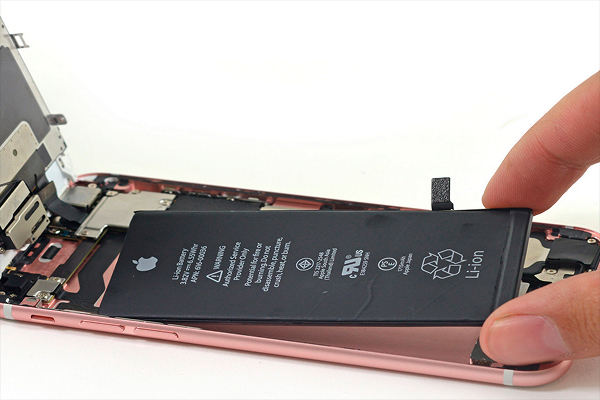
Now frequently switching between different connections also lead battery drain. Following best practices can help you improve battery longevity.
Here are the steps:
- Avoid switching between wireless connections
- Avoid using wireless connections when signals are weak
- Disable Bluetooth, Wi-Fi, or mobile data when not needed
- Use Airplane Mode in low-signal or poor coverage areas
- Limit location services for essential apps only
7. Keep Your Software Updated
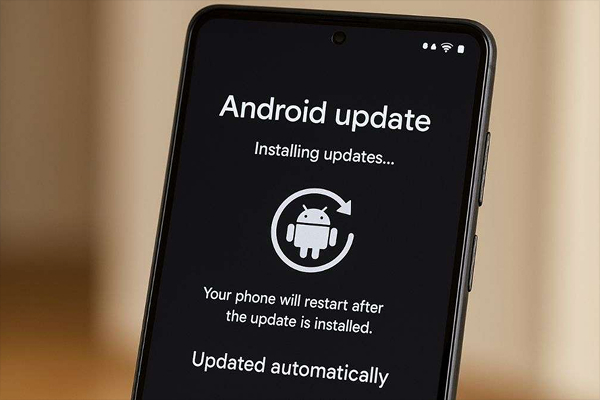
Keep your phone’s software updated with latest updates to optimize battery performance and fix bugs.
Here are the steps:
- For Android Devices: Go to Settings > System > System Update and update your phone for latest software updates to improve battery performance and fix bugs.
- For iOS Devices: Go to Settings > General > Software Update to upgrade the device and improve battery longevity.
8. Avoid Extreme Temperature Changes
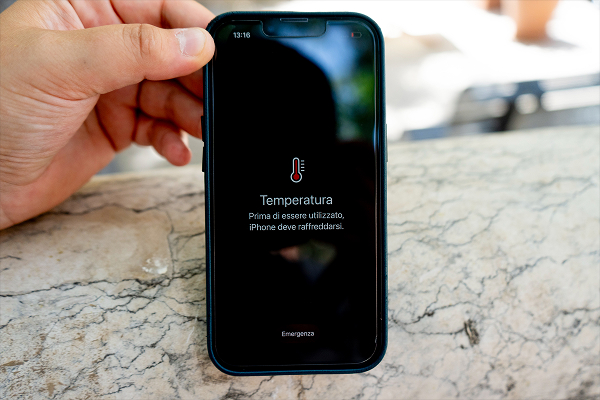
As you know extreme temperatures are also the main culprit in the battery drain; hence, managing temperature is imperative.
Here are the steps:
- Avoid leaving your phone in direct sunlight
- Avoid leaving your phone inside a hot car
- Remove phone cases that trap heat while charging
- Avoid using your device while charging
- Avoid leaving your phone in colder areas
9. Make Use of Smart Battery Health Features
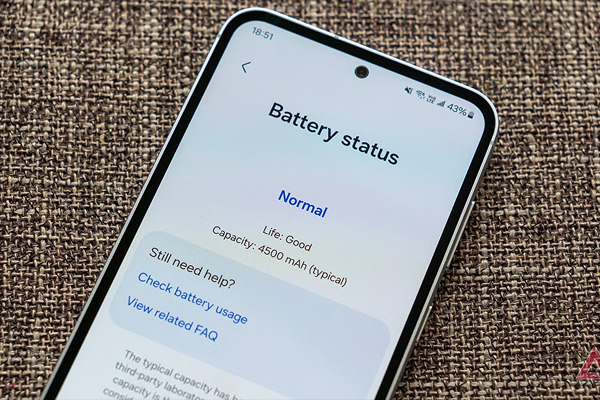
Android and iOS devices come with built-in tools to monitor and preserve phone’s battery health. Enable battery health features to enhance battery performance and lifespan.
Here are the steps:
- For Android Devices: Go to Settings > Battery > Battery Saver/Adaptive Preferences menu to limit maximum charge to 85%.
- For iOS Devices: Go to Settings > Battery > Battery Health & Charging to optimize battery performance and life.
10. Keep Your Device Uncluttered
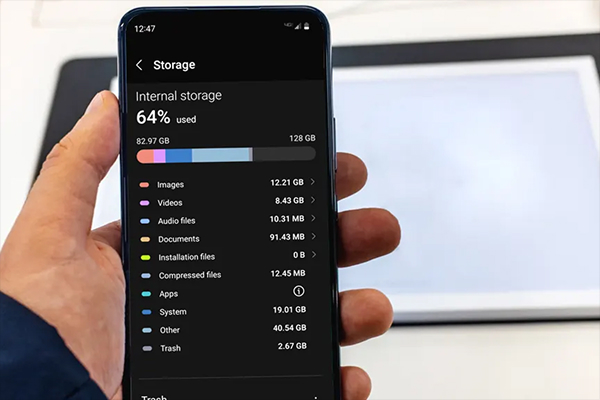
Manage storage and apps to have uncluttered user experience. Understand that a heavily cluttered device adversely impacts your phone’s battery. Therefore, it is wise to delete all unused apps, clear cache and temporary files regularly and keep phone’s storage below maximum capacity to ensure efficient performance and extended battery lifespan.
Putting it all together…
So, these are the top 10 ways you can extend battery lifespan on Android and iPhone. Using these solutions, you will not only improve your battery lifespan but also enjoy improved performance even when indulged in resource-heavy tasks. The best thing about these steps is that they are all easy to implement.
Whether it is managing background activity, adjusting screen brightness or following smarter charging habits, all are easier to implement steps that lead to impactful outcomes for users seeking ways to enhance battery longevity.