

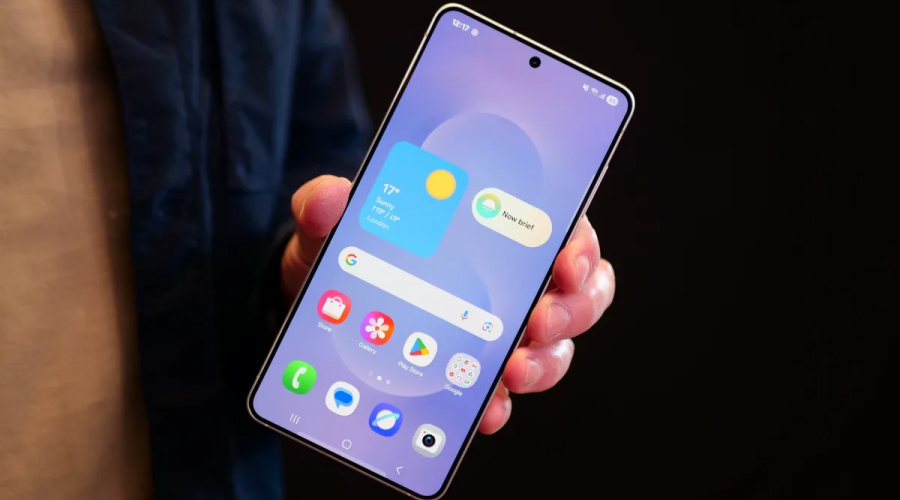
Samsung’s Good Lock has always been a favourite app for customization fans. With One UI 8.5 functionality expansion, this module is sure to reach a whole new level. For over a month, Samsung has been testing One UI 8.5 on the Galaxy S25, and the final results are outstanding. This update doesn’t just tweak the interface, it in fact, redefines how users interact with their devices. It provides users with unmatched control over home screen layouts, animations and gestures. In short, Samsung’s customization tools are now more powerful, intuitive and accessible than ever before.
If you want to know more about One UI 8.5, read this post. Here, we will talk in detail about Samsung’s Home Up app latest update. So, let’s dive in…
Samsung’s Home Up
Home Up is a powerful Good Lock module of Samsung. It allows users to fully customize their Galaxy device’s home screen. It offers advanced control over app icons, widgets, folders and layouts, thereby allowing users to create a home screen according to their liking and style. This simply implies that users can have a customized home screen instead of using default settings.
Samsung’s Home Up also offers features such as DIY alignment guides, floating repositioning buttons, and gesture navigation adjustments, giving users precise control to perfect every detail of their home screen.
With updates like a unified panel for apps, tasks and contacts, plus added support for foldable devices, Home Up turns your home screen into a personalized, easy-to-use workspace that feels truly personal.
One UI 8.5
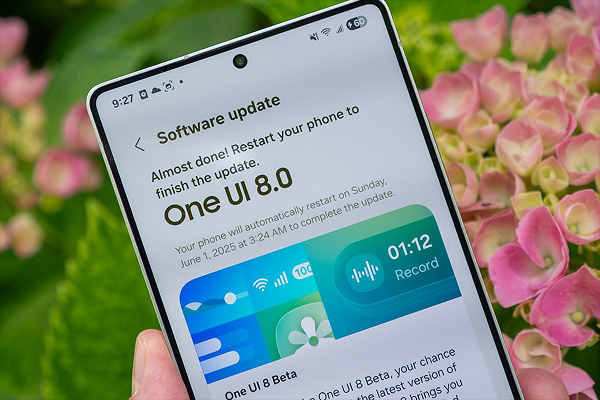
Recently, Samsung rolled out Home Up v17.5.00.18 for One UI 8.5. This newest update takes home screen customization to the next level. Now, users can have deeper control over app icons, widgets and even large folders. This new update is more than just visual tweaks for screenshots.
The latest update allows users to handle their daily interactions more smoothly and efficiently, allowing them tailor the experience around their personal habits and style instead of defaults settings.
All in all, the latest updates in version 17.5.00.18 bring a host of features that enhance both functionality and usability and makes daily interactions smoother and more intuitive than ever.
Functionality Expansion in One UI 8.5
Here are the latest updates; take a look…
➢ Expanded Home Screen Customization
One of the most noticeable improvements in Home Up is it gives users profound control over home screen elements. Users can now adjust app icons, widgets and large folders effortlessly. Each element now sits perfectly within the layout, making it easier to control home screen. Large folders now appear spacious and well-organized, all thanks to the latest Home Up update. This allows icons to look uncluttered and seamlessly aligned.
This level of customization tremendously refines user interaction with their devices, ensuring that the home screen is not just for placing apps, but also to have complete control on how it revolves around users’ personal habits and preferences. This simple yet profound update has brought a noticeably smoother and more satisfying experience for users.
➢ Unified Panels for Apps, Tasks and Contacts
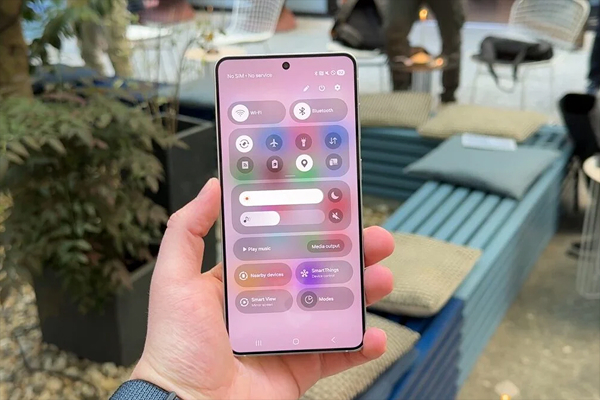
Another significant improvement in One UI 8.5 is the unified panel. This unified panel ensures consolidated apps, tasks and contacts into a single, easy-to-access surface. With this improvement, users need not to toggle between multiple views or menus.
Yes, now you can have everything consolidated. This saves a lot of time, particularly for those who keep accessing multiple apps or streamline workflows throughout the day. This improvement provides instant access to essential information without you having to toggle between apps or tasks.
➢ Enhanced Foldable Device Support
Another noticeable improvement in the latest update is enhanced Foldable devices support. With this improvement, foldable device owners can now adjust the number of favourite apps on their cover screen. This improvement not only maximizes efficiency, but also ensures that every pixel is used effectively, leading to improved usability and seamless navigation.
➢ Gesture Navigation Upgrades
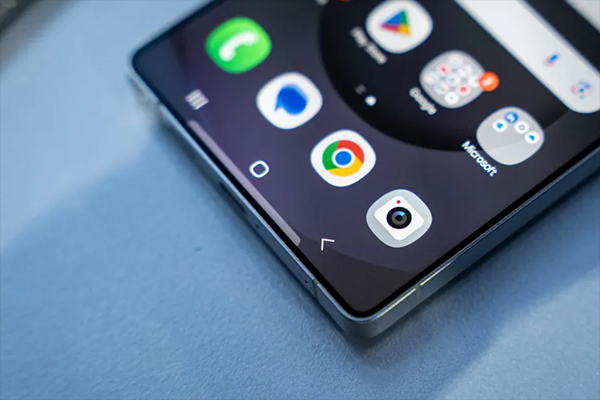
Home Up’s gesture navigation has also been improved in One UI 8.5. It now allows users to toggle the gesture for switching to the previous app on or off. This simple ON/OFF option gesture shortcuts for users who wish to have a more controlled experience and avoid accidental triggers.
➢ Improved Sharing Menu
Home Up now allows users to exclude specific items from Direct Share. It cuts down on unnecessary suggestions in the popup, making everything feel cleaner and more focused. It is pretty useful feature for those who tend to share things very often. It simplifies the process and provides much-needed order to what used to feel like a messy interface.
➢ Fixes for DIY Home and Backup & Restore
Among other improvements, the latest update also brings fixes for DIY home layouts. Earlier, users used to get frustrated with misalignment problems. But now, with the latest update, it has been fixed. Custom layouts now stay exactly the way you set them and behave the way you expect. This fix makes the personalization tools feel more reliable, luring users to confidently spend time crafting a home screen that truly feels personal, fitting to their preferences.
Aside from that, Backup and Restore has also received significant corrections. Widgets that were previously restored incorrectly after data resets will now return to their intended positions. This simple yet profound change significant leads to reduced anxiety for users, especially during device migrations or system resets, providing much-needed peace of mind to them.
➢ Lock Screen Animations Reimagined
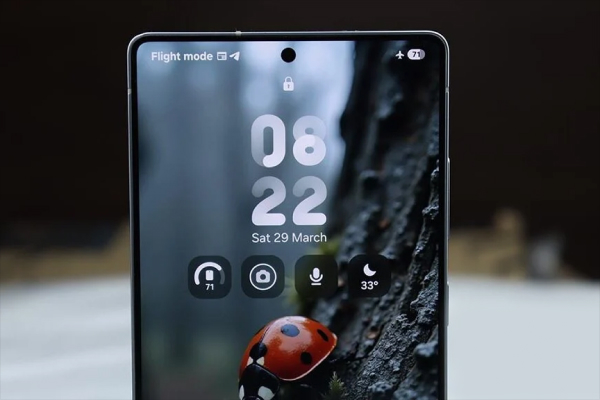
Another improvement that One UI 8.5 brings is lock screen customization with unlock animations. Users can now change unlock animations fitting to their style. They can adjust the style, speed, shape and flow of unlock animation. Additionally, users get manual control over Always-On Display brightness, making late-night glances easier on the eyes.
➢ Integration and Accessibility
The new update also focuses on Integration and Accessibility. With this latest update, Home Up is now more accessible. This is because the new and more advanced features are now integrated into system settings. Now users do not have to keep track of which Good Lock module handles each feature.
➢ Availability and Compatibility
At the moment, these upgrades are only available for the One UI 8.5 beta on the Galaxy S25 series. However, the tech giant has provided some features of the updated Lock Star module for older One UI 8 devices as well. Users can access updates via Galaxy Store or sideload the APK manually. However, full animation and brightness controls require 8.5.
The Bottom Line
So, this is all about the Samsung’s Home Up functionality expansion in One UI 8.5. The latest improvements in One UI 8.5 simply showcase Samsung’s commitment to customization excellence. These updates are currently available for users of Galaxy S25 series enrolled in the beta program. With so many new features and refinements, One UI 8.5 feels less like a small update and more like a full-on customization revival.
One UI 8.5 now feels like a powerful toolkit that turns everyday interactions into something more personal, polished, and efficient. With smarter layouts, smoother gesture navigation, cleaner unified panels and better support for foldables, Home Up continues to be a must-have module for users who want their Galaxy device to feel truly personal.


