

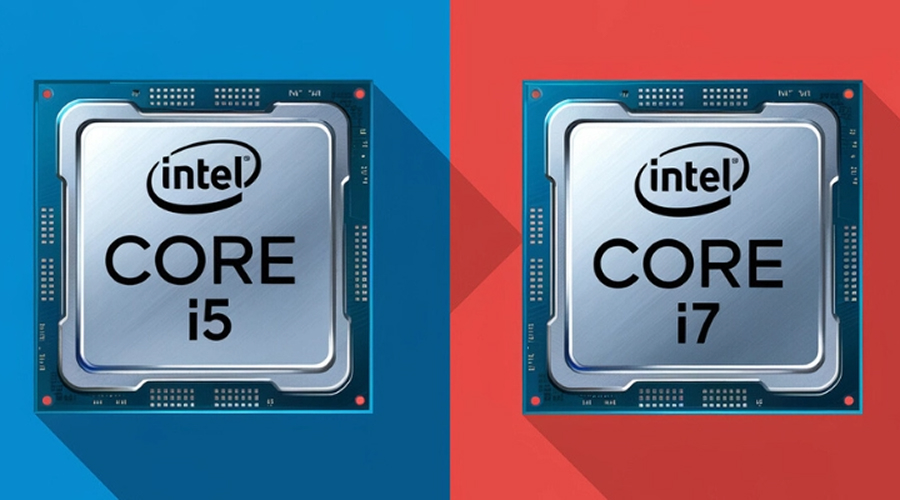
Gamers always face one big question when building or upgrading a PC. Should you go for an Intel Core i5 or spend more for the Core i7?
On paper, the i7 looks stronger. More cores, higher speeds, and bigger cache. But does that matter to gaming? The truth is more complex. Gaming does not necessarily push processors hard. The graphics processing unit tends to take center stage. However, the processor still determines the smoothness of the experience.
This guide breaks it all down. We will compare the Intel i5 vs i7 in real-world gaming, performance benchmarks, and in real-world applications. By going through this blog, you will come to know which processor is suitable for your gaming requirements.
Understanding Intel Core i5 and i7 Processors
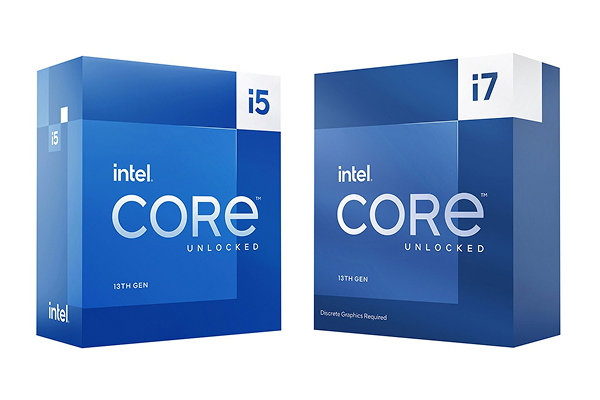
Before exploring the gaming outcomes, we should first understand what these CPUs are. Intel processors i5 and i7 are medium to high-performance processors. Both are oriented to daily computing, high workload, and gaming.
- Intel Core i5 is a mid-range processor. It has good performance at a good price.
- Intel Core i7 is the step-up. It has more cores, faster clock rates, and in most instances, even more advanced features to handle more intensive workloads.
Key Differences:
It is not just a matter of numbers. It has to do with the translation of these specifications into gaming performance. Let’s explore the key differences
1. Core and Thread Count:
Games are not relying on single-core performance anymore. There are a variety of titles that exploit multiple cores.
- Depending on the generation, i5 processors tend to have 6 to 10 cores and 12 to 16 threads.
- i7 processors are usually available with 8 to 12 cores and 20 threads. When there are more threads, it is better to multitask.
The i7 has a higher advantage even when you are gaming and have other background tasks running. In pure gaming, however, most titles do not make good use of more than 6 to 8 cores. This is why many modern Gaming Laptops with i5 CPUs are still excellent performers for mainstream titles, while i7-based models shine in multitasking-heavy scenarios.
2. Base and Boost Clock Speeds
The speed of the clock defines the speed of individual cores.
- i5 processors have a range of 2.5 GHz to 4.6 GHz, depending on the model.
- The i7 processors go further with a top speed of 5.0 GHz or higher.
In gaming, single-core speed is usually important than the total cores. This is why the performance difference between i5 and i7 is not as high as it should be in most titles.
3. Cache Size
Cache is fast memory within the CPU. It assists the processor in storing and accessing data very fast.
- i5 processors typically have 12 MB or 16 MB of cache.
- i7 processors are stepping up to 16MB to 25MB of cache.
Higher cache minimizes latency and accelerates repetitive operations. In the case of gaming, it can be translated to a slightly smoother frame time, particularly with CPU-intensive games.
4. Power Consumption (TDP)
Power consumption is also important.
- The Thermal Design Power (TDP) of i5 processors is lower (usually 65W -125W).
- i7s are more power hungry, usually between 95W and 150W.
This not only impacts energy consumption but also heat generation. Increased power also implies that additional cooling is required. It is an added expense that gamers forget.
5. Hyper-Threading Technology
Hyper-threading permits a single physical core to process two threads. This increases multitasking.
- The majority of current i5 chips have hyper-threading, and older ones do not.
- i7 processors always have it, so they are more appropriate for demanding tasks.
In the case of gaming, hyper-threading comes in handy but is not necessarily vital. When it comes to streaming or editing, as well as gaming, it is an actual benefit.
Also read: Gaming Laptop vs. Regular Laptop: Which One Should You Buy
Gaming Performance Comparison: i5 vs i7
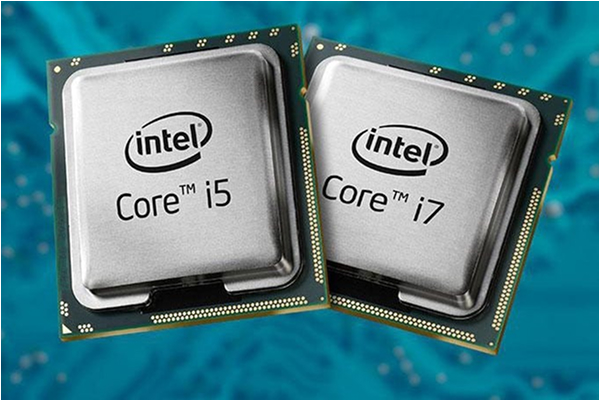
Now we move to the more important part: How do these processors work in real games?
1. Benchmarks in Popular Games:
In games that are CPU-bound, such as Cyberpunk 2077, Elden Ring, or Hogwarts Legacy, an i5 and an i7 are often close together with a powerful GPU. It is unlikely that you will see more than a 510 FPS improvement using the i7.
The i7 has a better showing in CPU-intensive games such as Civilization VI, Microsoft Flight Simulator, or big-box strategy titles. Additional cores and cache are used to deal with a large amount of data, maintaining the same frame rates. In the majority of cases, with a good GPU, an i5 will be almost as good as an i7.
2. Bottlenecking with GPUs:
Bottlenecking is one of the biggest issues, where your CPU will slow down your GPU. On mid-range GPUs, such as the RTX 4060 or RX 7600, an i5 can handle gaming without problems.
In high-end GPUs such as the RTX 4080 or RX 7900 XTX, an i7 lowers the bottlenecks and opens up higher frame rates. Therefore, the question of whether an i5 or an i7 is viable has a lot to do with the kind of GPU you use.
3. Thermal Performance Under Load:
i7 typically generates more heat during gaming than an i5. An increased number of cores and clock speeds creates additional heat. Without good cooling, thermal throttling might lead to worse performance.
An i5 is an affordable processor that tends to perform more reliably in low-budget setups using stock coolers.
Also read: Best Cheapest Laptop under 40000
Is the i7 Worth the Extra Cost for Gaming?
The big issue is it worth it to pay more to get an i7 when you are just a gamer? Today, gaming is not really about gaming. The majority of players do not simply run the game solo. They watch on Twitch, capturing any gameplay, talking on Discord, or even recording clips and editing them later. Here is where the i5 vs i7 difference can be seen more clearly.
Streaming Gameplay
Streaming is consuming more of your CPU than you imagine. The GPU is the one that displays the game, but the CPU has to take care of the video encoding process, control of your stream software, and system responsiveness. Having an Intel Core i5, you can stream and play at the same time, but there are limits.
You might have to reduce your stream quality, downgrade to 720p instead of 1080p, or turn down in-game graphics options in order to make everything run well. The i5 is able to multitask, although it may drop frames in taxing scenes, particularly in intensive AAA games.
On the other hand, an Intel Core i7 will provide you with additional breathing room. The more cores and threads the CPU has, the more it can divide tasks between them- one part of the CPU is the game, the other part is the stream encoding. The result? Better quality of streams, constant frame rates, and fewer dropped frame rates, even in the most chaotic in-game scenes.
The i7 seems like a better investment in case streaming is a significant aspect of your gaming experience. It also makes sure not to trade off too badly on either graphics or streaming capabilities in the games.
Running Background Tasks While Gaming
Consider your average gaming time. The game is not the only thing that is running. You may have Discord voice chat, two or more Chrome tabs, Spotify, OBS recording, and you even have a second monitor with applications. All of them consume your CPU resources.
Multitasking can be done, but it is not unlimited with an i5. You will be able to run a few applications and play games, but as the workload increases, you will start seeing stutters, lag spikes, or more time to load times. Modern games are already using a high percentage of the CPU power, leaving very little remaining to support anything.
An i7 does this much more elegantly. Your game is allotted more threads, and the background applications run in the background. It is smooth to alternate tasks. Even capturing quality gameplay videos during a chat and a web session will not put a significant strain on the system.
The i7 makes the gaming experience seamless for gamers who are heavy multitaskers. It is not only a matter of frames per second, but also about the stability of the system in general, in the state when all is running simultaneously.
Real-World Use Cases and Gamer Profiles
Let’s break down which CPU fits which type of gamer.
For Casual to Competitive Gamers:
The i5 is the sweet spot in case you mainly focus on gaming. Combine it with a powerful GPU, and you will have a high frame rate in esports titles and in AAA games. The i5 hardly ever holds you back unless you are playing extremely CPU-heavy titles.
For Content Creators & Streamers:
If you stream, edit videos, and create content in addition to gaming, then the i7 is the smarter choice. The extra cores, cache, and faster speeds are also evident in multitasking and workloads.
Conclusion: Which One Should You Choose?
Therefore, which one is better for gaming, Intel i5 or i7? The answer is – it depends on what you need.
The i5 offers incredible performance at lower prices if you are a solo gamer. You can use the savings to upgrade to a better graphics card or hard disk.
If you are a gamer and creator, then the i7 is worth it. It provides you with smoother multitasking, more streaming, and more future-proofing.
Bottom line: The i5 is the most affordable processor used by most gamers. However, when it comes to playing games and streaming simultaneously, you can go with an i7.


