


In 2026, Pinterest remains one of the most popular platforms for discovering creative and inspirational content. Millions of users visit Pinterest daily to explore videos related to DIY projects, home decor, recipes, fashion ideas, and step-by-step tutorials. Short-form video content has become especially popular because it allows creators to quickly demonstrate ideas and instructions in a visually engaging way.
Because of this growing trend, many users prefer to save videos for offline viewing. People often download Pinterest videos to watch tutorials later, save recipe instructions while cooking, or keep inspiration content for creative projects. Using the best Pinterest video downloader allows users to easily save videos in different formats and resolutions without complicated steps.
Below is a comparison of some of the best Pinterest video downloaders in 2026, highlighting their features, supported formats, ease of use, and ideal use cases.
1. VidsSave

When searching for the best Pinterest video downloader, many users prefer a tool that is quick, easy to use, and does not require installing software. VidsSave is a popular option that provides a smooth and convenient downloading experience.
VidsSave is an online video & music downloader that supports downloading media from Pinterest, YouTube, and other popular websites, with no software installation required. Users simply copy the video link from Pinterest and paste it into the website to generate a download link within seconds.
Key features include:
- Online browser-based downloader
- Supports multiple websites including Pinterest and YouTube
- No installation or registration required
- Simple copy-and-paste downloading process
- Works on desktop and mobile devices
Because it is completely web-based, VidsSave is ideal for users who want fast and hassle-free downloads without installing additional tools.
- Best for: Quick and simple downloads from multiple platforms.
2. SavePin
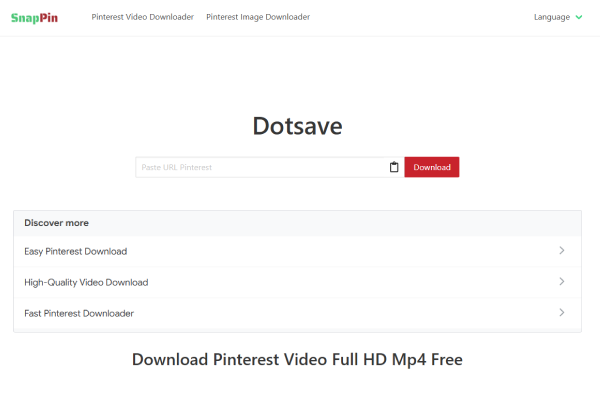
SavePin is another widely used online tool designed specifically for downloading content from Pinterest. It allows users to download not only videos but also images and GIFs from Pinterest boards and posts.
The interface is simple and beginner-friendly, making it easy for anyone to download media by pasting a Pinterest link.
Key features:
- Download Pinterest videos, images, and GIFs
- Fast processing and quick download links
- No account or registration required
- Compatible with mobile and desktop browsers
SavePin is a good option for users who frequently collect visual inspiration and want to download different types of Pinterest media.
- Best for: Downloading multiple types of Pinterest content.
3. ExpertsPHP Pinterest Video Downloader
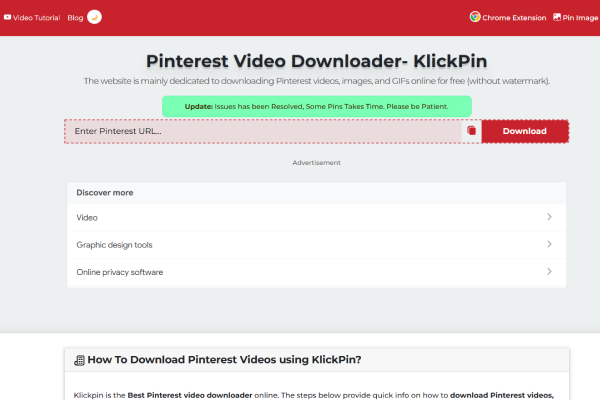
ExpertsPHP provides a straightforward online tool designed specifically for downloading Pinterest videos. It focuses on simplicity and efficiency, making it a reliable option for quick downloads.
Users only need to paste the video URL into the downloader, and the tool automatically generates a downloadable file in different quality options.
Key features:
- Simple and lightweight interface
- HD video download support
- No installation required
- Works on smartphones, tablets, and computers
Although it mainly focuses on Pinterest downloads, its simplicity and reliability make it a convenient choice.
Best for: Quick Pinterest-only video downloads.
4. SnapDownloader
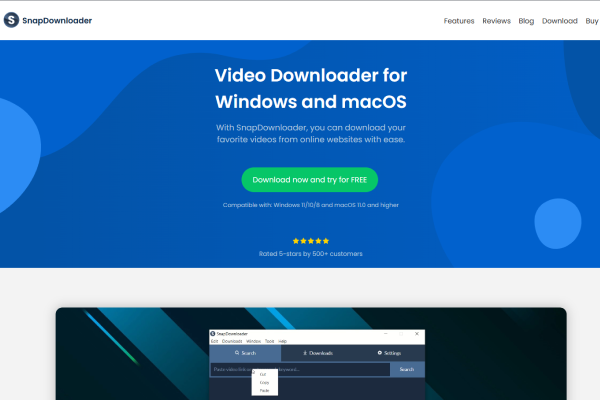
SnapDownloader is a powerful desktop application that supports downloading videos from many online platforms, including Pinterest. Unlike web-based tools, it provides more advanced features and higher resolution options.
This tool is particularly popular among users who download videos frequently or need higher-quality files.
Key features:
- Supports downloads up to 8K resolution
- Batch downloading for multiple videos
- Converts videos to formats such as MP4 and MP3
- Available for Windows and macOS
Because it is a desktop program, SnapDownloader provides greater control over download quality and file management.
- Best for: Users who need high-quality or bulk downloads.
5. VideoProc Converter
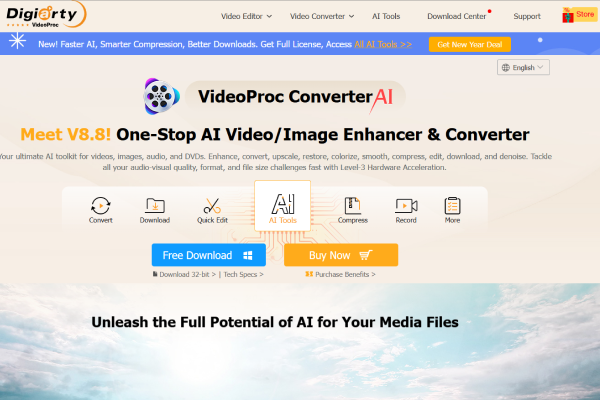
VideoProc Converter is a multifunctional multimedia software that combines video downloading, conversion, and editing features in one platform. It supports downloading videos from several websites, including Pinterest.
This tool is especially useful for creators who want to edit or convert downloaded videos.
Key features:
- High-quality video downloading
- Built-in editing tools
- Supports multiple file formats
- Hardware acceleration for faster processing
While it requires installation, VideoProc Converter offers powerful capabilities that go beyond simple downloading.
Best for: Content creators and users who want editing features.
6. 4K Video Downloader
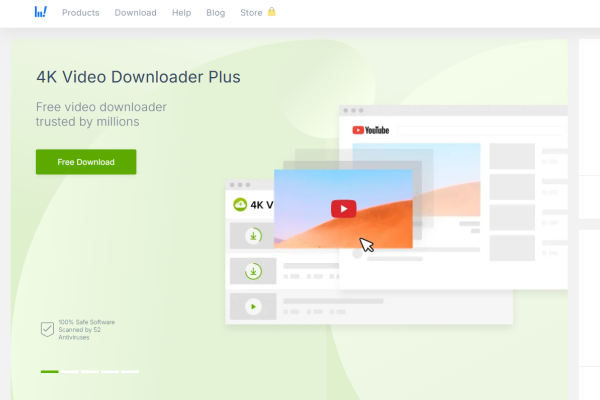
4K Video Downloader is another well-known desktop tool that supports downloading videos from multiple platforms. It is widely recognized for its ability to download high-resolution videos quickly and efficiently.
The software offers several customization options, allowing users to select video quality and format before downloading.
Key features:
- Supports 4K and 8K video downloads
- Smart Mode for faster downloads
- Batch downloading capabilities
- Available for Windows, macOS, and Linux
This tool is perfect for users who prioritize video quality and advanced downloading features.
- Best for: High-resolution downloads and professional use.
Conclusion
Pinterest video downloader tools in 2026 generally fall into two main categories: online tools and desktop applications.
Online tools such as VidsSave, SavePin, and ExpertsPHP are ideal for users who want quick downloads without installing software. They are easy to use, accessible from any device, and perfect for occasional downloads.
Desktop applications like SnapDownloader, VideoProc Converter, and 4K Video Downloader provide more advanced features, including batch downloads, format conversion, and higher video quality options. These tools are better suited for frequent users and content creators.
If you need a simple and fast solution, online tools like VidsSave are an excellent choice. However, if you require advanced control over video quality and file management, desktop software may be the better option. Ultimately, the best downloader depends on your specific needs and how often you download Pinterest videos.


